
Guide · SEO
How to Write Useful Search Snippets
Learn what meta descriptions do, when they matter, how to write a useful one, and how to add or improve them on WordPress and other websites.
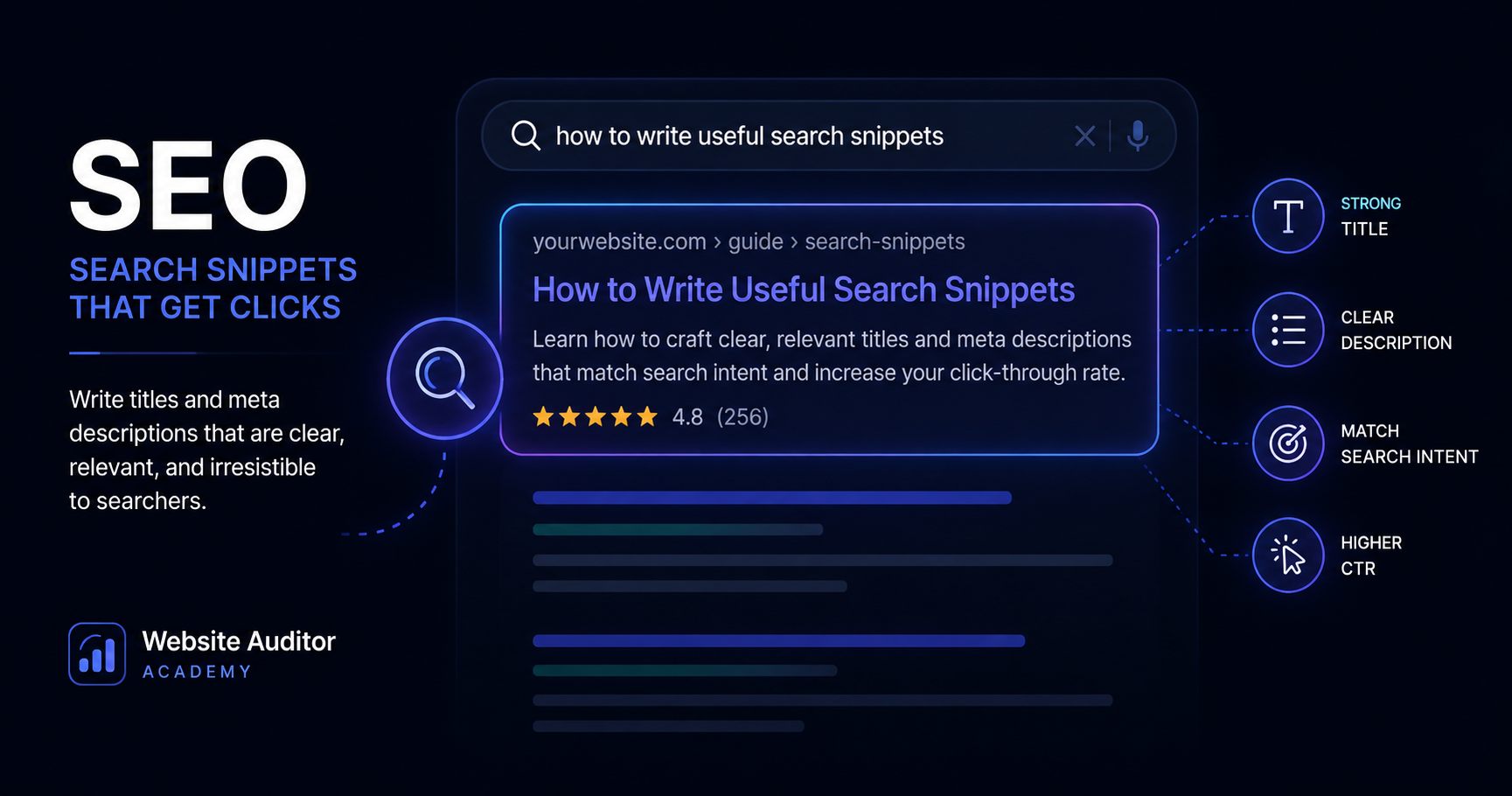
A meta description is a short description of a web page that search engines may use when presenting that page in search results. It helps people understand what they can expect before they click.
A good meta description does not guarantee higher rankings, and search engines may choose to display different text. Its main value is clarity: it gives the page a concise, useful description that can improve how the result is understood by potential visitors.
What is a meta description?
A meta description is normally placed inside the <head> section of an HTML document:
<meta name="description" content="Learn how to plan, build and improve a professional website with practical guidance for design, content and search readiness.">The description should accurately summarize the specific page. It is not a place for keyword stuffing, exaggerated promises, or a list of unrelated search terms.
Why does a meta description matter?
Search engines can use the meta description as part of the snippet shown below a page title. Even when a search engine rewrites that snippet, providing a useful description gives it a clear summary of the page to work with.
For users, the description can answer an important question before the click: “Is this page relevant to what I am looking for?”
What makes a useful meta description?
A useful description should:
- accurately describe the content of the page;
- be specific rather than generic;
- make sense when read on its own;
- help a potential visitor understand what they will find;
- avoid repeating the same description across many unrelated pages.
There is no need to treat an exact character count as a ranking rule. The priority is to write a concise description that communicates the page clearly.
Weak and better examples
Weak example
Welcome to our website. Click here to learn more.This could describe almost any website. It gives the reader very little information.
Better example
Learn how to create a professional WordPress website, from planning and design to content, SEO and launch.The second version immediately explains what the page is about and what the visitor can expect to learn.
How to add a meta description in WordPress
WordPress itself does not provide one universal meta-description field for every setup. Many SEO plugins add one to the page or post editor.
- Open the page or post in the WordPress editor.
- Open the settings provided by your SEO plugin.
- Find the Meta description field.
- Write a concise description of that specific page.
- Update or publish the page.
- Run the page audit again to verify that the description is present.
The exact location of the field depends on the SEO plugin and WordPress configuration you use.
How to add it directly in HTML
For a static or custom website, add the description inside the page's <head>:
<head>
  <title>Example Page Title</title>
  <meta name="description" content="A concise and accurate description of this specific page.">
</head>
Each important page should have a description appropriate to its own content rather than blindly reusing the same text everywhere.
Common meta description mistakes
- Missing description: no usable meta description is provided.
- Duplicate descriptions: many different pages use exactly the same text.
- Generic descriptions: the text says very little about the actual page.
- Keyword stuffing: the description is written for search engines rather than people.
- Mismatch with the page: the description promises information that the page does not provide.
What success looks like
A well-prepared page has one useful meta description that accurately summarizes its content. A visitor should be able to read it and quickly understand why the page may be relevant.
After adding or updating the description, run a Single Page Audit again. If the page is fetched correctly, the missing-meta-description warning should disappear.
Meta descriptions are only one part of page readiness
A strong description cannot compensate for a page with a poor title, unclear heading structure, inaccessible content, or other technical problems.
Use it as one part of a broader review of how clearly the published page communicates with people, search engines, and modern answer systems.
Keep learning
Related SEO guides
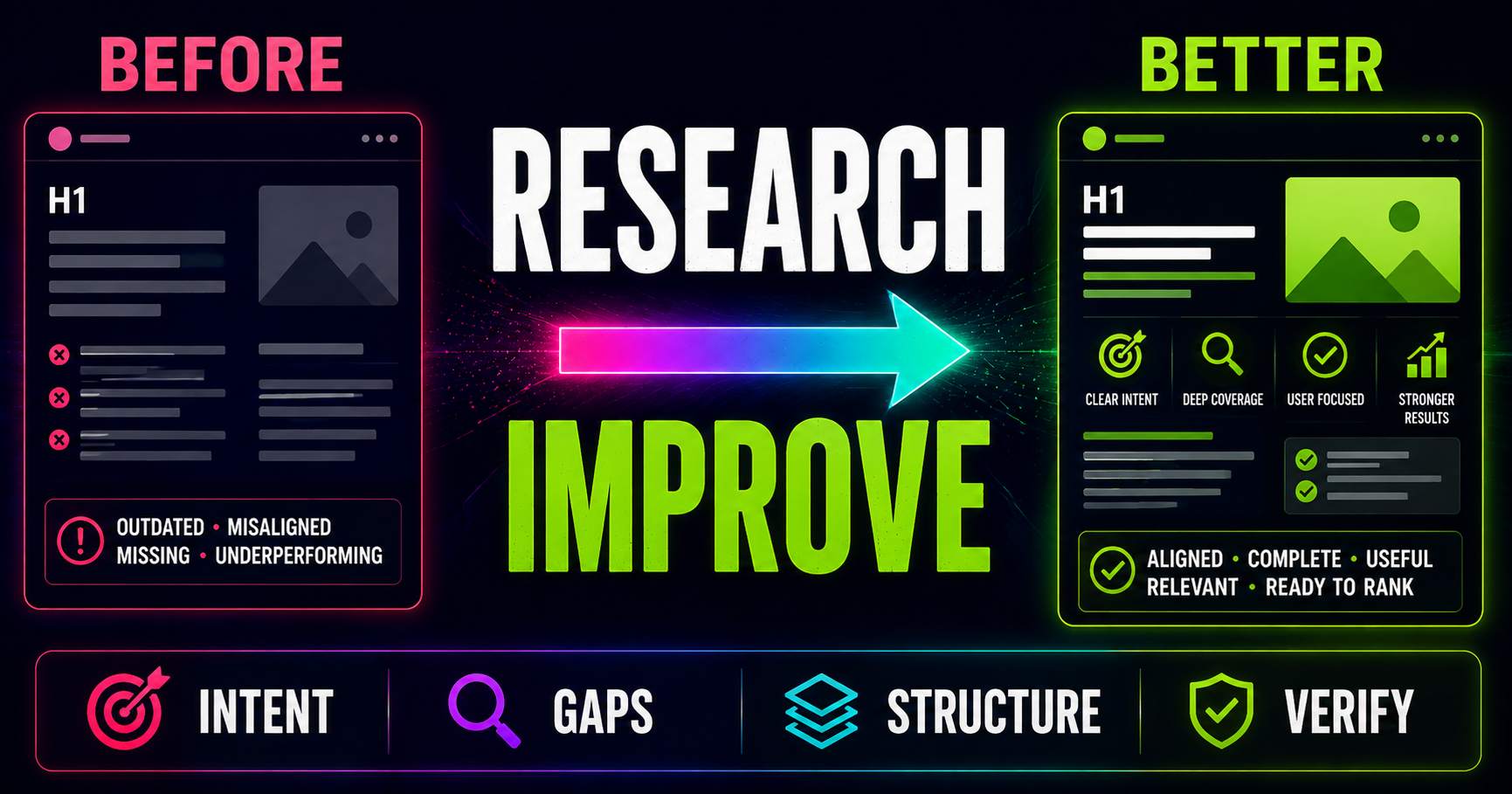
Keyword Research for Existing Pages: What Should You Improve?
Keyword research is not only for new content. Learn how to compare an existing page with current search intent, SERP patterns, related questions and content gaps to decide what actually needs improving.
Read guide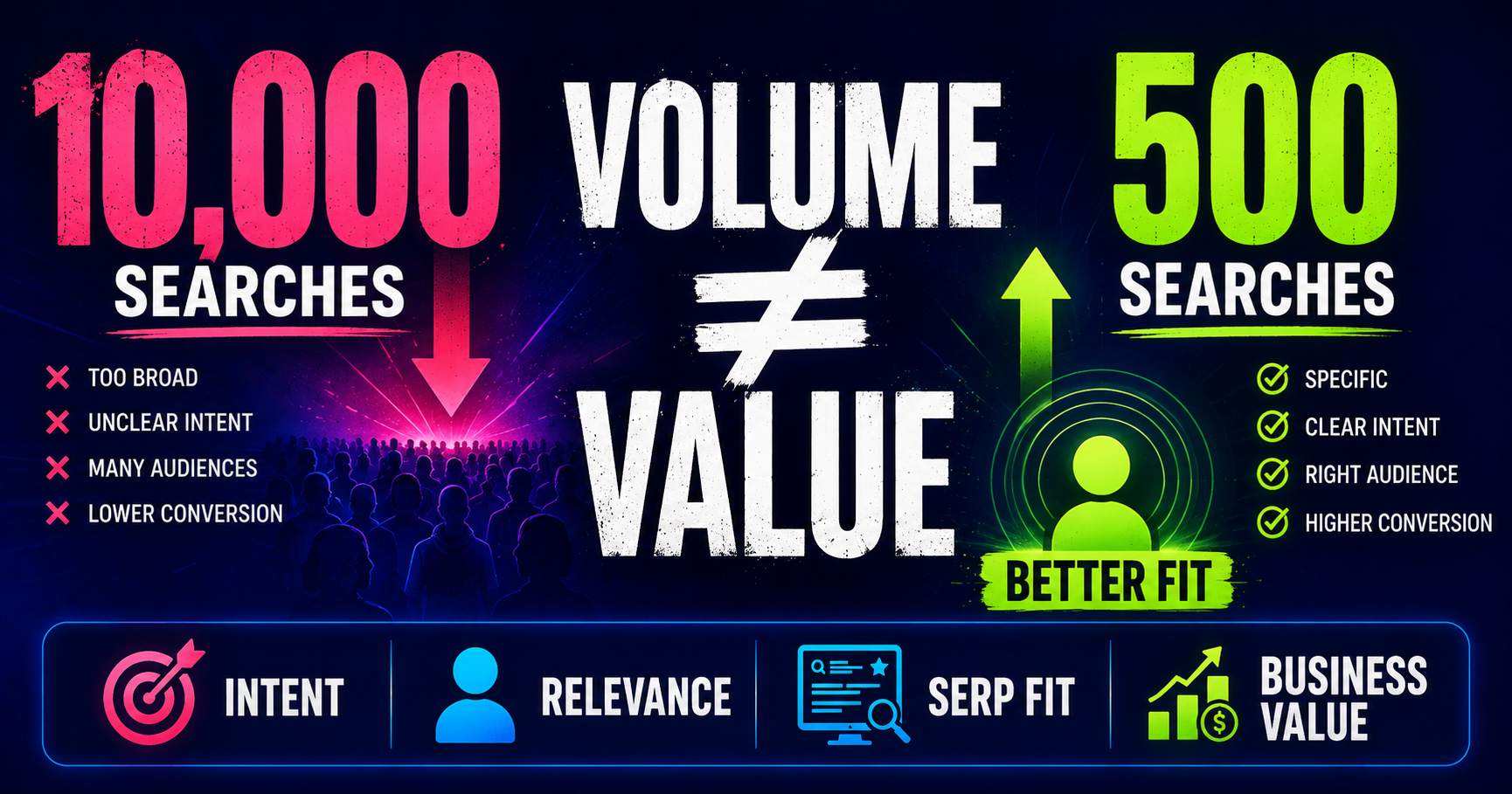
Search Volume Isn’t the Whole Story
Search volume can help you understand demand, but a bigger number does not automatically mean a better keyword. Learn how relevance, intent, specificity, SERP context and business value change the decision.
Read guide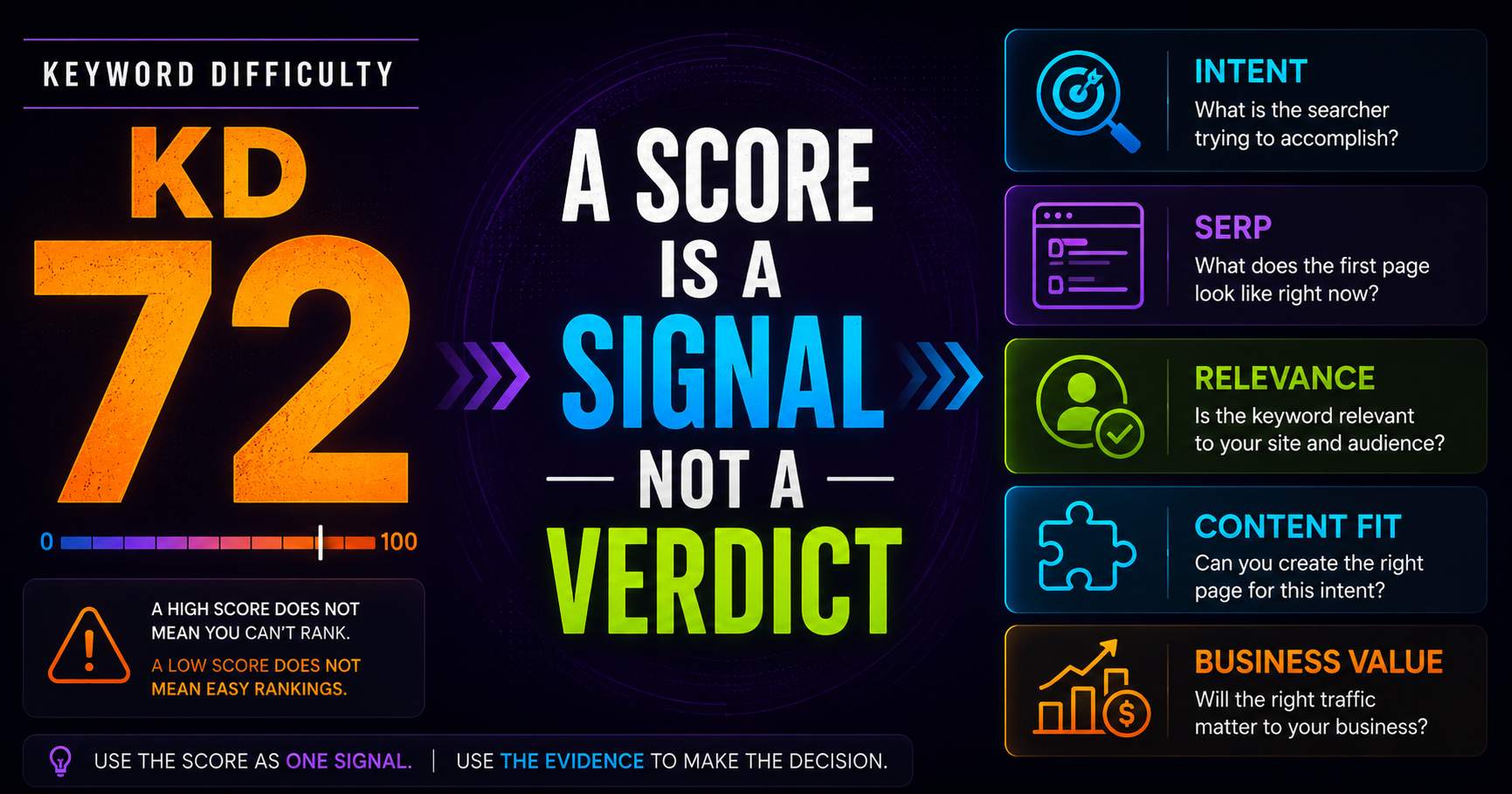
Keyword Difficulty: What the Number Does - and Doesn’t - Tell You
Keyword difficulty can be a useful comparison metric, but it is not a prediction of whether your page can rank. Learn what the score represents, what it leaves out, and how to use it alongside real SERP evidence.
Read guidePut this into practice
See what applies to your page.
Start with a one-page review, then run a full site audit when you are ready.