
Guide · SEO
Keyword Research for Existing Pages: What Should You Improve?
Keyword research is not only for new content. Learn how to compare an existing page with current search intent, SERP patterns, related questions and content gaps to decide what actually needs improving.
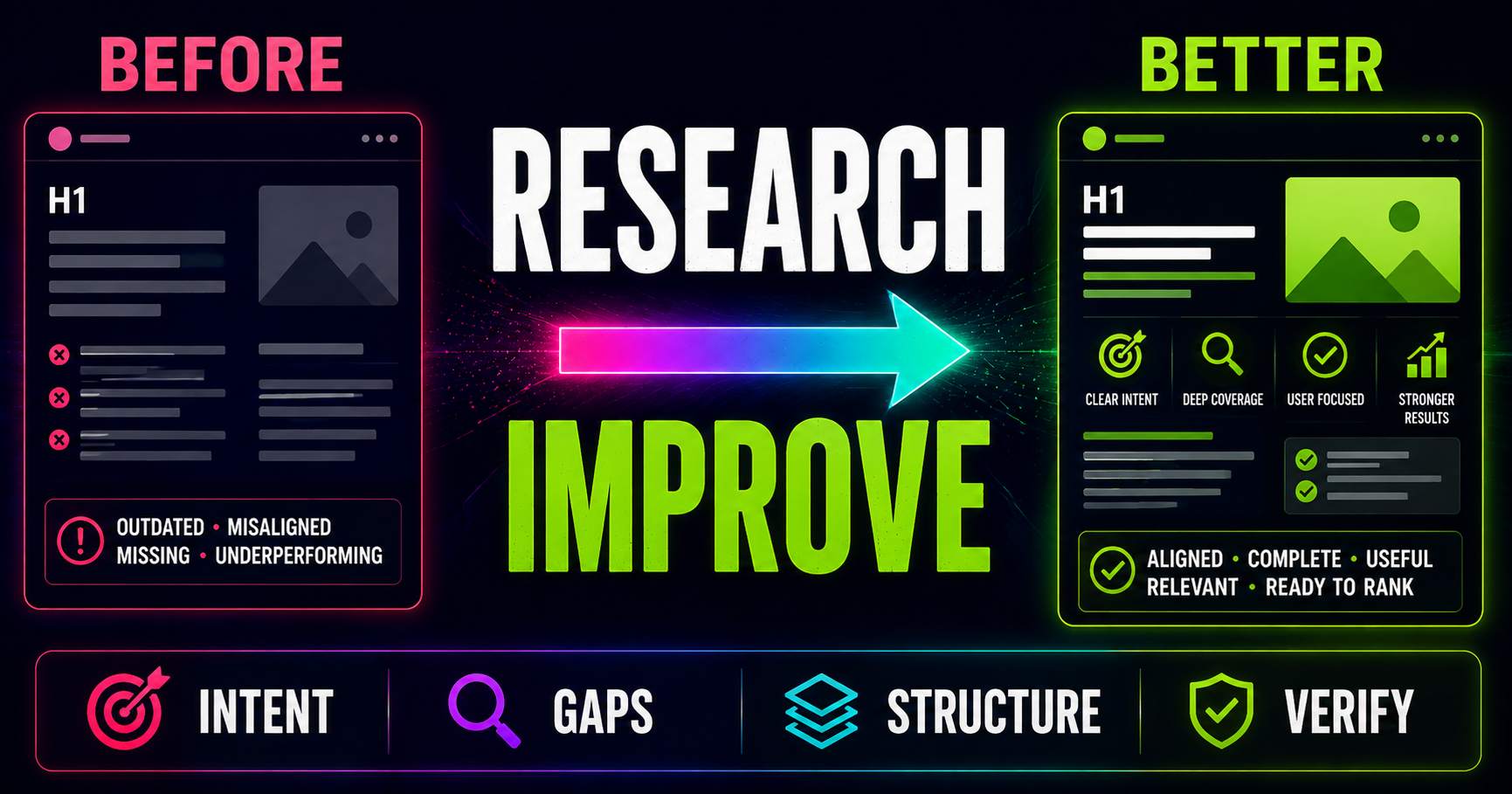
Keyword research does not always begin with a blank page.
Sometimes the page already exists.
It may have been published:
- six months ago;
- two years ago;
- or long enough ago that nobody remembers exactly why it was created.
Maybe it gets some traffic.
Maybe it used to perform better.
Maybe it has never really worked.
The natural reaction is often:
“We should rewrite it.”
But before changing everything, ask a better question:
“What exactly needs improving?”
Keyword research can help answer that.
Keyword research is not only for new content
Keyword research is usually described as something you do before writing.
You choose a topic.
You investigate the search landscape.
You understand the intent.
Then you create the page.
But the same process can be extremely useful for content that already exists.
Instead of asking:
“What should we create?”
you ask:
“Does this page still match what people appear to need?”
Start with the purpose of the existing page
Before looking at keywords, look at the page itself.
What was it originally meant to accomplish?
Was it supposed to:
- explain a topic;
- answer a specific question;
- compare products;
- generate leads;
- sell a service;
- support another page;
- or help users complete a task?
If the purpose is unclear, keyword research becomes harder because you do not know what the page is trying to become.
A page cannot match search intent if its own intent is unclear.
Identify the query the page is actually about
An existing page may contain dozens of related phrases.
That does not mean all of them should be primary targets.
Ask:
“If I had to describe the main search problem this page solves in one phrase, what would it be?”
For example:
A page may mention:
- technical SEO;
- website audits;
- crawlability;
- indexing;
- page speed;
- canonical URLs;
- and structured data.
But the primary direction might still be:
“technical SEO audit.”
That gives you a clear starting point for comparison.
Check whether search intent has changed
One of the most important reasons to revisit an existing page is that the search landscape can change.
A query that used to be dominated by:
informational guides
may now show:
- tools;
- product pages;
- comparison pages;
- videos;
- forums;
- or AI-generated answers.
The original article may still be good.
But it may no longer match the dominant search experience.
That is an intent problem.
Not necessarily a writing problem.
Compare the existing page with the current SERP
Now examine the real search results for the topic.
Do not immediately copy what ranks.
Instead, compare the current landscape with your page.
Ask:
- What types of pages are ranking now?
- What formats dominate?
- What questions appear?
- What topics recur?
- What search features are present?
- Does the SERP appear informational, commercial, transactional or mixed?
Then compare those answers with what your page actually provides.
Look for intent mismatch
Intent mismatch is one of the most important things keyword research can reveal.
Imagine your page is:
“What Is an SEO Audit?”
But the current SERP is dominated by:
- audit tools;
- interactive scanners;
- free audit forms;
- and software landing pages.
Your explanatory article may still be useful.
But it may not match the strongest current interpretation of the query:
“SEO audit.”
A more specific informational query may fit the page better.
Or the page may need a different purpose.
Do not automatically change the keyword
If the SERP looks different, the answer is not always:
“Target another keyword.”
First decide whether:
- the existing page is still strategically important;
- the current angle still helps your audience;
- the page belongs in a different search context;
- or the content itself needs to evolve.
A page can remain valuable even when its original keyword strategy was imperfect.
The goal is to improve the page.
Not to force it into whatever keyword happens to look easiest.
Check the title and H1 against the actual page
Existing pages often develop an unusual problem over time:
the title says one thing,
while the content gradually becomes something else.
For example:
Title: What Is Technical SEO?
But the page now contains:
- a complete audit workflow;
- technical checks;
- implementation advice;
- troubleshooting;
- and verification steps.
The page may have evolved beyond its title.
Or the opposite may be true.
A title may promise:
“The Complete Technical SEO Audit Guide”
while the article contains only a short definition and five bullet points.
Keyword research helps you see whether the promise, intent and content still align.
Look for recurring topics your page does not cover
When reviewing the first page of search results, note which themes appear repeatedly.
Suppose your article targets:
“local SEO checklist.”
Current ranking pages repeatedly discuss:
- Google Business Profile;
- reviews;
- local citations;
- NAP consistency;
- location pages;
- local keyword research;
- and local links.
Your page covers only the first three.
That does not automatically mean:
“Add four more sections.”
But it is evidence worth investigating.
Ask whether the missing topics would genuinely make your page more complete.
Content gaps should be useful, not decorative
A content gap is not:
“Competitor A has a section we do not have.”
A useful gap is something that helps the reader better solve the problem.
For example:
Several competitors may explain how to add a canonical URL.
But perhaps almost none explain:
- how to verify the canonical after implementation;
- what happens when multiple canonicals conflict;
- how WordPress plugins affect the tag;
- or when a self-referencing canonical is appropriate.
Those could be meaningful gaps.
They improve usefulness.
They do not merely increase word count.
Review related searches for missing directions
Related searches can reveal how people expand the topic.
For an existing page, they help answer:
“Are people exploring parts of this topic that our page ignores?”
Suppose your article is about:
“keyword research.”
Related searches repeatedly point toward:
- search intent;
- keyword difficulty;
- search volume;
- related searches;
- content briefs;
- and keyword research for existing pages.
Some belong inside the current article.
Others deserve their own pages.
The research can help you decide which is which.
Do not turn one existing page into an entire website
A common optimization mistake is:
“We found 27 related keywords, so let's add them all.”
The result is often a page that tries to be:
- a beginner guide;
- a comparison;
- a glossary;
- a technical manual;
- a buyer's guide;
- and a sales page.
That is not optimization.
That is loss of focus.
The existing page should still have one clear primary purpose.
Some new topics should become separate pages
Keyword research often reveals ideas that are useful but too different to add to the current page.
A topic may deserve its own page when it has:
- a different intent;
- a different audience;
- a different page format;
- enough depth to stand alone;
- or a clearly different search landscape.
For example:
An article about:
“what is keyword research”
does not need to become a 15,000-word explanation of:
- keyword difficulty;
- search volume;
- SERP analysis;
- content briefs;
- and keyword research for existing content.
Those can become a connected series instead.
Check People Also Ask and other questions
When questions appear in the current SERP, compare them with your page.
Does the content already answer them?
Does it answer them clearly?
Does the answer appear:
- early enough;
- in plain language;
- with enough context;
- and in a format that is easy to understand?
Sometimes the information is technically present.
But the user would need to read 1,500 words before finding it.
That can still be a content problem.
Improvement can mean restructuring, not adding
Existing-page optimization is often treated as:
add more content.
But improvement can also mean:
- moving the main answer higher;
- combining repetitive sections;
- removing outdated advice;
- breaking long blocks into clearer sections;
- improving H2 and H3 hierarchy;
- adding useful examples;
- or shortening parts that no longer help.
A page can become better while becoming shorter.
Look for outdated information
Search landscapes change because topics change.
An existing article may contain:
- old screenshots;
- obsolete interfaces;
- outdated product names;
- old recommendations;
- deprecated technical advice;
- or examples that no longer reflect the real world.
Updating a year in the title is not enough.
Real content freshness means reviewing the information itself.
Look at current result formats
The page may cover the right topic but use the wrong format.
Imagine your content is a long article.
The current SERP increasingly shows:
- step-by-step tutorials;
- comparison tables;
- interactive tools;
- videos;
- or concise checklists.
You may not need to abandon the article.
But you may need to improve how the information is presented.
Perhaps the page needs:
- a checklist;
- a clearer workflow;
- a comparison table;
- screenshots;
- a summary;
- or a practical example.
Search intent can reveal what to remove
Keyword research does not only tell you what to add.
It can tell you what is distracting.
Imagine a page targeting an informational query.
Halfway through the article, it suddenly becomes an aggressive sales page.
Or a transactional landing page spends 2,000 words explaining basic theory before showing the product.
Those sections may weaken the page's purpose.
Content improvement sometimes means removing things that do not serve the main intent.
Check whether two pages are competing for the same need
Existing websites often accumulate overlapping content.
You may have:
- “SEO audit guide”;
- “complete SEO audit guide”;
- “how to audit your website”;
- and “SEO audit checklist.”
These may represent different useful pages.
Or they may all be trying to satisfy essentially the same search intent.
Compare their SERPs.
If many of the same URLs rank for each query, the topics may overlap strongly.
You may need:
- one stronger page;
- clearer separation between intents;
- or a better internal-link structure.
Do not diagnose cannibalization from keywords alone
Two pages using similar words does not automatically mean they are hurting each other.
They may serve:
- different intents;
- different audiences;
- different stages of a decision;
- or different search-result environments.
The correct question is not:
“Do these pages share keywords?”
It is:
“Are these pages competing to satisfy the same search need?”
Use performance data when you have it
SERP research tells you what is happening in the wider search landscape.
Your own analytics and search-performance data tell you what is happening to your page.
When available, useful signals can include:
- queries that already generate impressions;
- queries that generate clicks;
- pages receiving organic traffic;
- changes over time;
- and how users behave after landing on the page.
These sources answer different questions.
The SERP shows the external environment.
Your own data shows how your page is participating in it.
Do not invent performance data when you do not have it
If you do not have reliable ranking, click or impression data, do not guess.
You can still inspect:
- the current SERP;
- search intent;
- result formats;
- related searches;
- questions;
- content gaps;
- and your own page structure.
That is still useful research.
But it is different from saying:
“This page lost 30% of its traffic because the intent changed.”
Without supporting data, that would only be speculation.
Keyword research does not replace a page audit
An existing page can match search intent perfectly and still have technical problems.
For example:
- a noindex directive;
- broken canonicalization;
- missing title elements;
- poor internal linking;
- slow loading;
- structured-data problems;
- or crawlability issues.
Keyword research cannot diagnose all of those problems.
This is where content research and technical auditing need to work together.
Do not rewrite a page when the real problem is technical
Imagine an article is:
- well aligned with intent;
- complete;
- current;
- and genuinely useful.
But the canonical points somewhere else.
Rewriting another 2,000 words will not fix that.
The correct workflow is:
understand the problem before choosing the fix.
Do not fix everything just because you found it
Existing-page research can produce a long list of possible improvements.
That does not mean they all deserve equal priority.
Separate:
- major intent problems;
- missing information;
- outdated sections;
- small editorial improvements;
- technical issues;
- and optional enhancements.
Fix the things that matter most first.
A useful question: what changed?
When reviewing an older page, ask:
“What is different now compared with when this page was created?”
Possible answers include:
- search intent changed;
- new competitors appeared;
- new questions became important;
- the dominant format changed;
- new search features appeared;
- the product or service changed;
- the article became outdated;
- or the wider website changed.
That question often reveals much more than:
“How do we add more keywords?”
Existing content can sometimes be expanded
Expansion makes sense when the page is missing genuinely important information.
For example, an old article may explain:
what an SEO audit is
but fail to explain:
- what should be checked first;
- how to prioritize findings;
- how to verify fixes;
- or how to distinguish site-wide from page-level problems.
Those additions could significantly improve usefulness.
The reason to add them is not:
“Longer content ranks better.”
The reason is:
“The reader needs this information.”
Existing content can sometimes be simplified
The opposite can also be true.
A page may have grown through years of updates.
New paragraphs were added.
Old paragraphs were never removed.
Several sections now say the same thing.
The main answer is buried.
Keyword research can help you return to the primary intent and ask:
“What does this person actually need?”
Then simplify around that need.
Internal links can help clarify topic relationships
When research reveals several distinct but connected topics, internal links can keep the current page focused.
Instead of explaining every subtopic in full, you can:
- answer the immediate question;
- provide enough context;
- and link to a dedicated page for deeper detail.
For example, a keyword research guide can introduce:
- search intent;
- keyword difficulty;
- search volume;
- related searches;
- and SERP analysis.
Then separate articles can explain each subject properly.
This creates a more useful content architecture than forcing everything into one page.
Where Fridica's Keyword & Topic Assistant fits
Fridica's Keyword & Topic Assistant can help you research the current search landscape around the topic of an existing page.
You can use the page's main topic or query as the research starting point.
Depending on the available evidence, Fridica can work with:
- organic search results;
- related searches;
- questions when present;
- featured search elements when present;
- and AI Overview when it appears in the returned evidence.
The analysis can then help identify:
- likely search intent;
- SERP patterns;
- dominant content formats;
- topic opportunities;
- possible content gaps;
- questions worth answering;
- and a recommended primary angle.
You can then compare that research with the existing page.
What the Keyword & Topic Assistant does not know automatically
The Keyword & Topic Assistant is not automatically your private search-performance database.
It should not claim to know:
- how many impressions your page receives;
- how many clicks it receives;
- its historical rankings;
- its conversion rate;
- or exactly why its traffic changed;
unless that data is actually available from an appropriate source.
That distinction matters.
Current search evidence can help explain the environment.
Your own analytics and performance data explain your page's actual results.
Where Fridica's audits fit
Once you know what the content should accomplish, you can examine how the actual page is implemented.
A Single Page Audit can help identify page-level SEO, AEO and GEO issues.
A wider site audit can help reveal problems that affect multiple pages.
This connects Fridica's two workflows.
For content:
Research → Understand → Plan Content.
For the published website:
Scan → Understand → Plan → Fix → Verify.
Existing-page improvement sits directly between those two processes.
Improve the page, then verify the result
Making a change is not the end of the workflow.
After updating the page:
- check that the intended changes were actually published;
- verify technical elements;
- re-scan the page when appropriate;
- compare audit findings;
- and monitor real performance over time using the data sources available to you.
Do not assume:
“We changed the content, therefore the problem is solved.”
Verification matters.
A practical existing-page research workflow
When reviewing an important existing page:
- Define the page's current purpose.
- Identify its primary topic or query.
- Check the current SERP.
- Identify the likely search intent.
- Compare dominant page types with your page.
- Review recurring topics.
- Review related searches.
- Review questions when present.
- Look for useful content gaps.
- Check whether the title and H1 still match the page.
- Identify outdated or unnecessary sections.
- Check whether important subtopics deserve separate pages.
- Review possible overlap with existing content.
- Use your own performance data when available.
- Audit technical implementation separately.
- Prioritize the most important changes.
- Update the page.
- Verify the implementation.
- Monitor what happens next.
Do not optimize an existing page just because you can
Sometimes the research reveals:
the page is already doing what it should.
The intent matches.
The content is current.
Important questions are covered.
The structure is clear.
The technical implementation is sound.
In that situation, unnecessary rewriting can make the page worse.
Optimization should solve a real problem.
Not create activity for its own sake.
The short version
Keyword research for an existing page is not about finding more phrases to insert.
It is about comparing the page you already have with the search landscape that exists now.
Ask:
- Does the intent still match?
- Does the page type still fit the SERP?
- Are important topics missing?
- Are important questions unanswered?
- Has the content become outdated?
- Is the page trying to cover too much?
- Does another page already serve the same need?
- Is the real problem actually technical?
Then change only what deserves changing.
Research first.
Understand the problem.
Prioritize the improvement.
Make the change.
And verify what happened.
The goal is not to make an old page look newly optimized. The goal is to make it more useful for the searcher and more aligned with the search landscape it actually competes in.
Keep learning
Related SEO guides
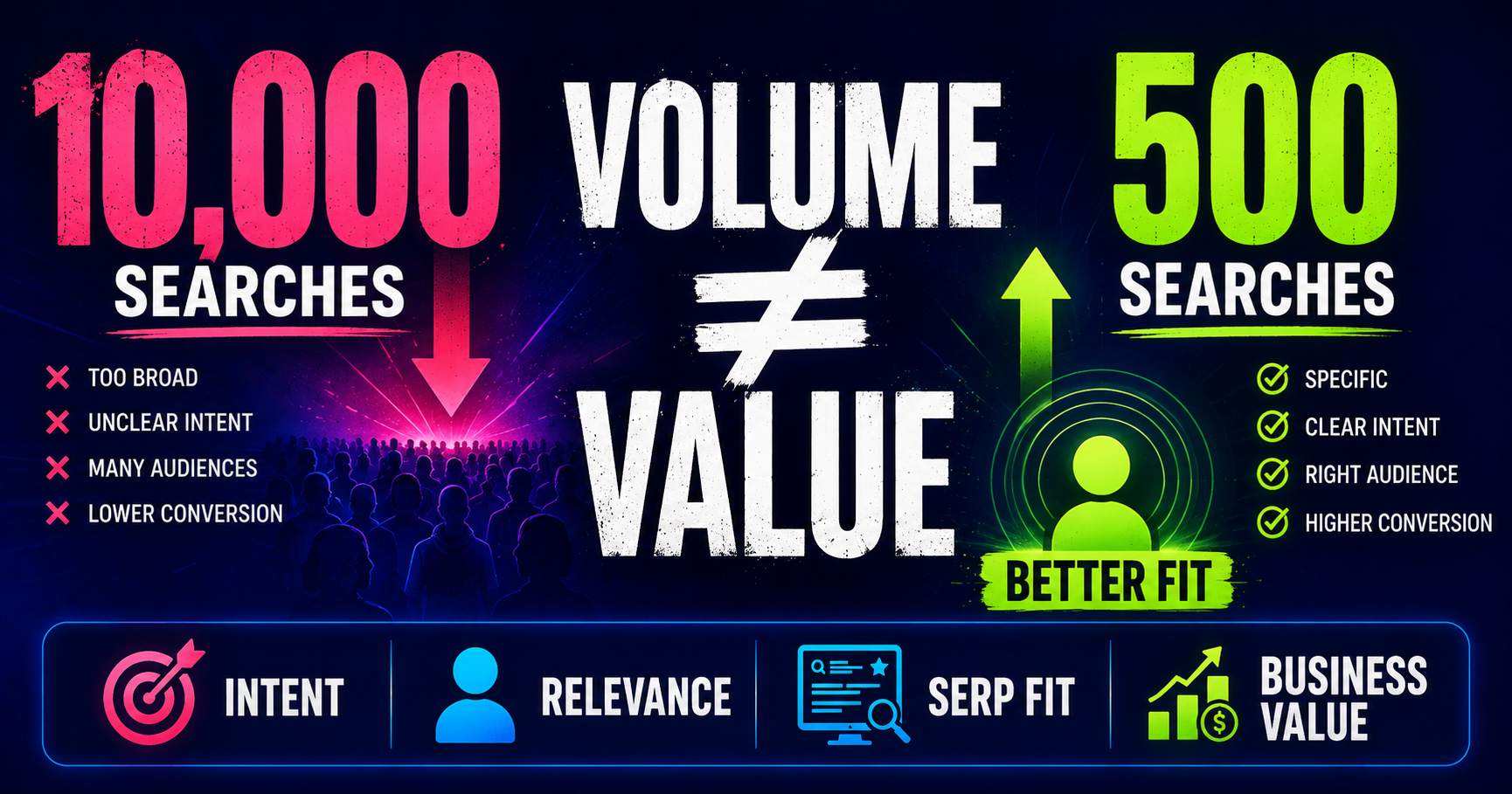
Search Volume Isn’t the Whole Story
Search volume can help you understand demand, but a bigger number does not automatically mean a better keyword. Learn how relevance, intent, specificity, SERP context and business value change the decision.
Read guide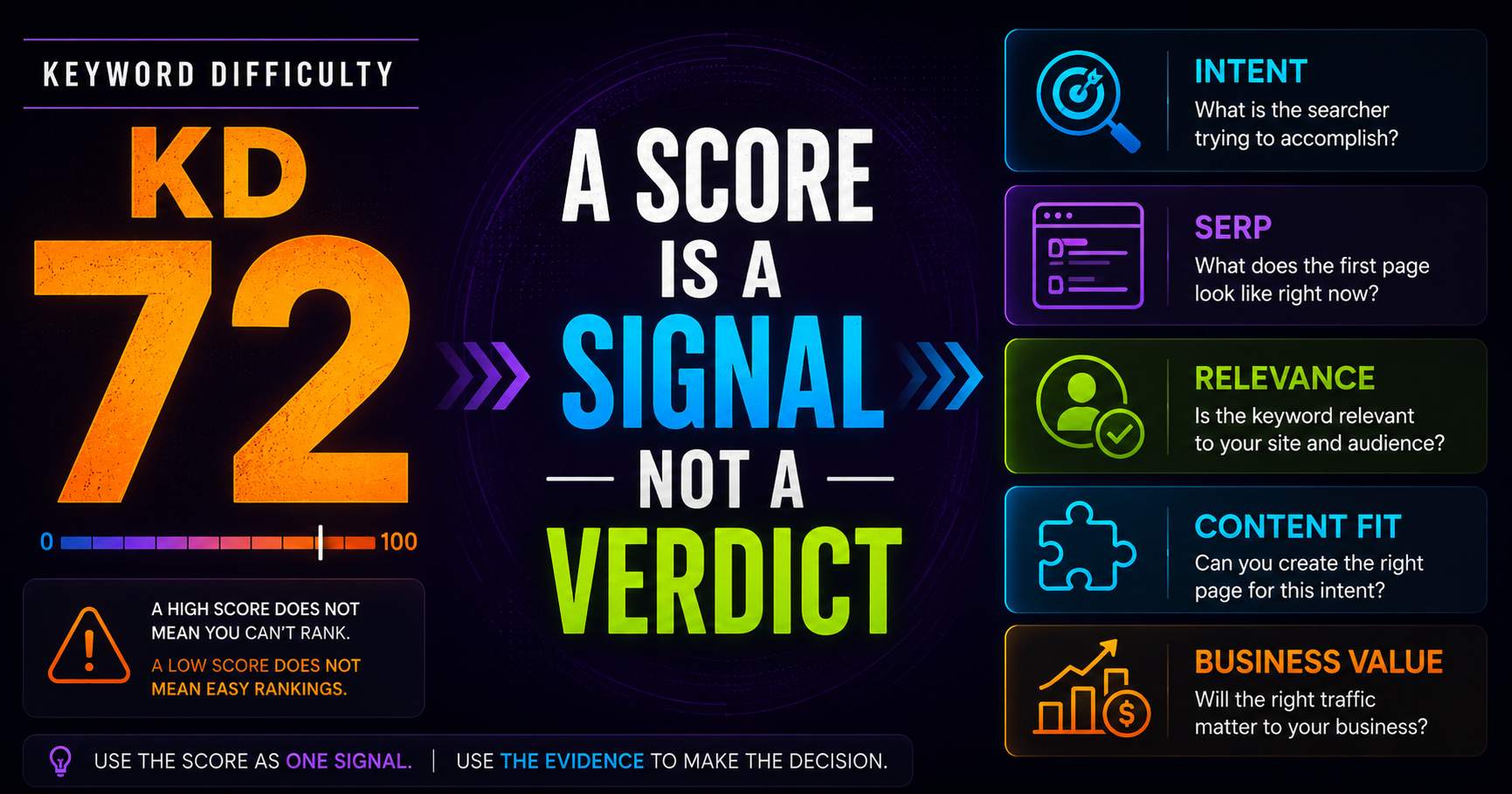
Keyword Difficulty: What the Number Does - and Doesn’t - Tell You
Keyword difficulty can be a useful comparison metric, but it is not a prediction of whether your page can rank. Learn what the score represents, what it leaves out, and how to use it alongside real SERP evidence.
Read guide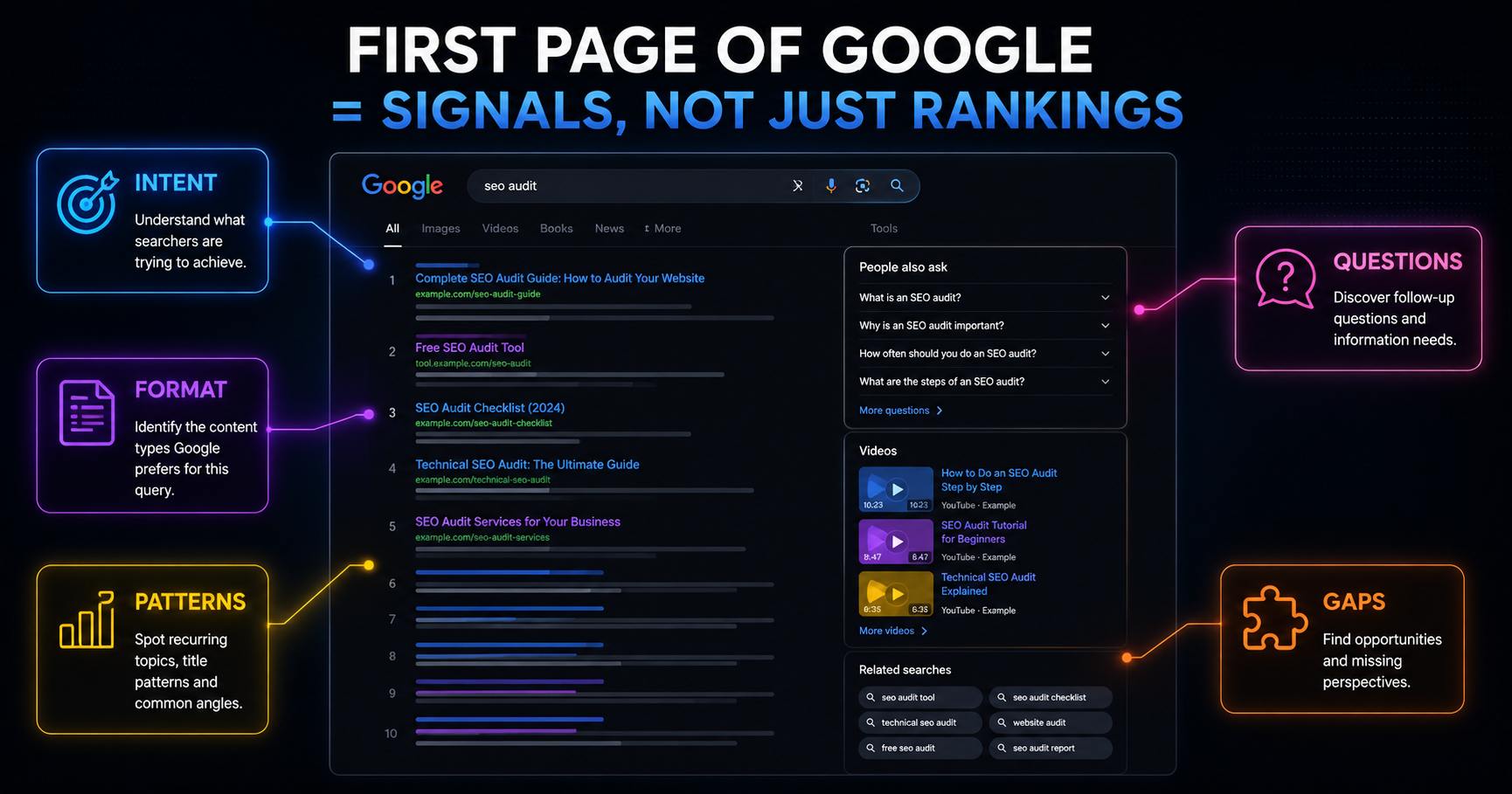
What Can You Learn From the First Page of Google?
The first page of Google can reveal much more than who currently ranks. It can help you understand search intent, dominant content formats, recurring topics, SERP features and where useful content opportunities may exist.
Read guidePut this into practice
See what applies to your page.
Start with a one-page review, then run a full site audit when you are ready.