
Guide · SEO
You Fixed the SEO Issue. How Do You Know It Actually Worked?
You changed the title, added the canonical URL or fixed the template. Great. But did the audit issue actually disappear? Learn how re-scanning and audit comparison help you verify what changed instead of simply assuming the fix worked.
You found the problem.
You understood what it meant.
You made the change.
Excellent.
Now comes the slightly uncomfortable question:
Did it actually work?
It is surprisingly easy to skip this part.
You add a meta description.
You change a canonical URL.
You fix a heading structure.
You update a shared template.
Then you close the task and move on.
But making a change and confirming the result are two different things.
That is why Fridica treats verification as part of the audit workflow rather than an optional final step.
SCAN → UNDERSTAND → PLAN → FIX → VERIFY
“I changed it” is not the same as “it is fixed”
Suppose Fridica detects:
Missing canonical URL — 25 of 25 pages affected.
You find the problem in your website template and add the canonical tag.
That sounds like the job is done.
Maybe it is.
But several things could still have gone wrong:
- the change may not have been deployed;
- the canonical may appear only on some templates;
- the generated URL may be incorrect;
- cached pages may still expose the old version;
- one section of the website may use different rendering logic;
- or the original problem may have had more than one cause.
You do not need to become suspicious of every deployment.
You just need a way to check.
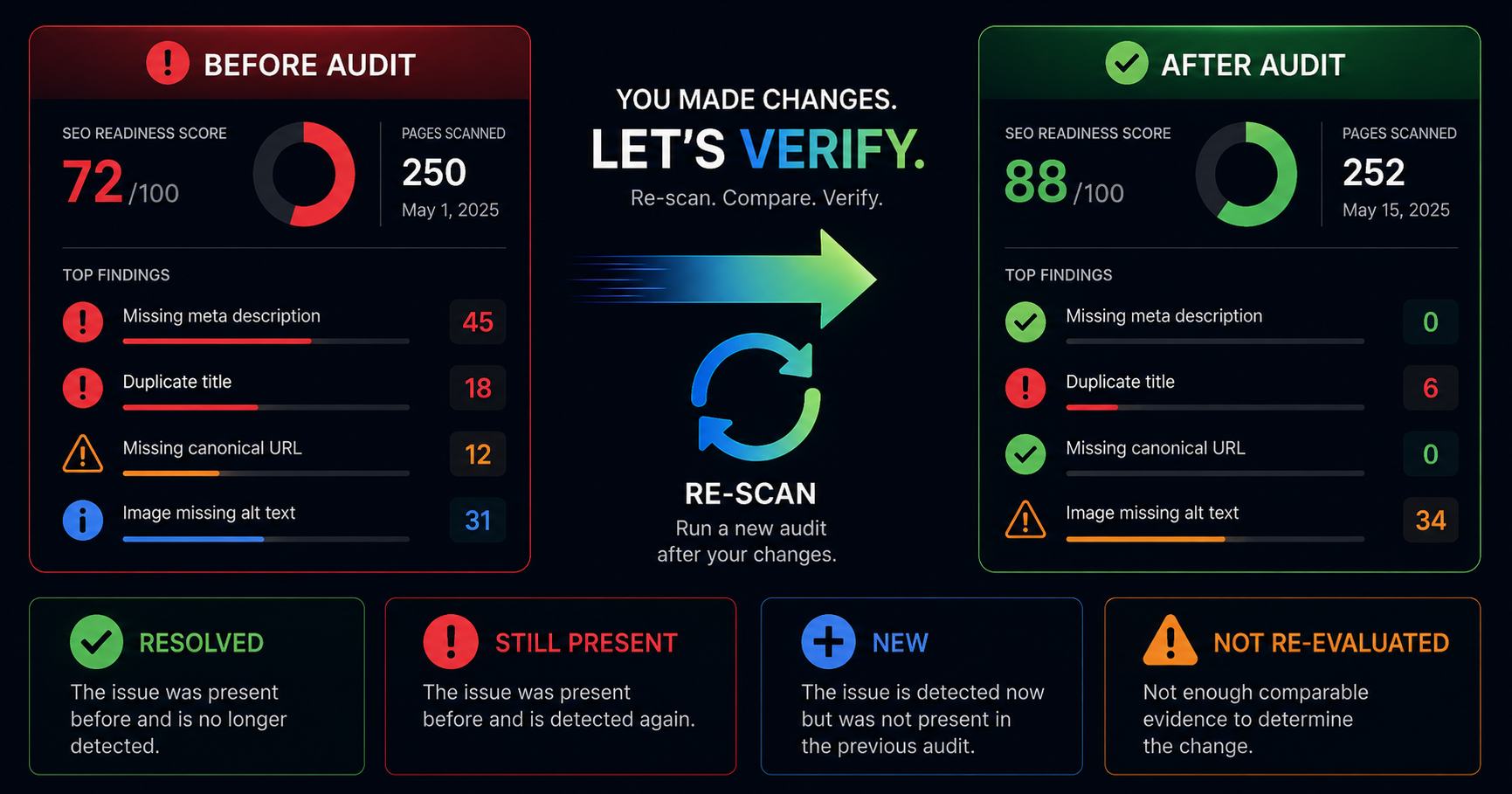
The simplest verification method: run the audit again
After making meaningful changes, run another Full Website Audit.
Fridica captures the website again and evaluates the applicable checks using the current version it can observe.
Now you have two snapshots:
Before the fix.
and:
After the fix.
That gives you something much more useful than memory.
You can compare them.
Why comparison is more useful than simply looking at the new score
Imagine your SEO Readiness score changes from:
91 → 94
Good news?
Probably.
But what exactly changed?
Did the canonical problem disappear?
Did three smaller issues improve instead?
Did something get fixed while a new problem appeared?
A score cannot answer those questions by itself.
That is why Fridica compares the underlying deterministic findings rather than treating the score as the whole story.
The score is useful orientation.
The comparison tells you what happened.
Fridica separates changes into clear lifecycle states
When two compatible Full Website Audits are compared, findings can fall into several states.
Resolved
A finding existed in the earlier audit and is no longer detected in the comparable current audit.
For example:
Missing meta description — Resolved
That is the result you were hoping for.
Still present
The issue was detected before and is detected again.
For example:
Missing canonical URL — Still present
This does not necessarily mean your work was useless.
It means the new audit still detected the issue under the current rules and evidence.
That tells you to investigate again.
New
A finding appears in the newer audit that was not present in the earlier comparable result.
For example:
Duplicate title — New
Maybe new content was added.
Maybe a template changed.
Maybe fixing one thing exposed another issue.
The important part is that you now know it appeared.
Not re-evaluated
This one deserves a little more explanation.
Sometimes the available comparison evidence is not sufficient to safely say:
“Resolved.”
That may happen when the two audit snapshots are not sufficiently comparable for that finding.
Instead of guessing, Fridica can mark the result:
Not re-evaluated.
It is not as satisfying as a green checkmark.
But it is much better than pretending.
A missing finding should not automatically become a success story
This is an important principle behind Fridica's comparison system.
Imagine an old audit detected something on a page.
In the next audit, that page was not captured in a comparable way.
It would be easy to say:
“The warning is gone, therefore it is resolved.”
But that conclusion may be wrong.
Maybe the page disappeared from the crawl.
Maybe relevant metadata was unavailable.
Maybe the evidence necessary to run the same check was not present.
A trustworthy comparison should distinguish:
“We checked and it is no longer present.”
from:
“We cannot safely make the same comparison.”
Those are not the same thing.
Example: fixing a site-wide canonical issue
Imagine the first audit shows:
Canonical URL missing — 24 of 24 pages affected.
You discover that the website template never outputs a canonical tag.
You fix the shared template.
Then you run another audit.
There are several possible outcomes.
Outcome 1: Resolved
The new audit captures those pages and the canonical issue is no longer detected.
Excellent.
Your template-level fix appears to have addressed the finding across the audited pages.
Outcome 2: Still present on all pages
Time to check:
- Was the update deployed?
- Is the canonical actually rendered in the final HTML?
- Did you edit the correct template?
- Is another layer removing or overriding it?
Outcome 3: Still present on some pages
This is interesting.
It may suggest that the website has more than one template or rendering path.
Your fix may have worked for one section but not another.
That is useful information you would miss if you simply marked the task “done.”
Verification matters for small changes too
It is easy to understand why you should verify a site-wide technical fix.
But the same idea applies to smaller changes.
You added a meta description
Run the page or site through Fridica again and check that the description is actually present in the captured page.
You changed the title
Verify that the new title is rendered and that the original duplicate or weak-title finding no longer applies.
You fixed the heading structure
Check whether the current page now exposes the intended hierarchy.
You updated structured data
Verify what the page actually publishes rather than what you intended to publish.
Browsers, templates, CMS plugins and production environments occasionally have their own opinions.
The final rendered page is what matters to the audit.
Do not obsess over the score delta
After a re-scan, people naturally look at the score first.
We understand.
Scores are very good at attracting eyeballs.
But imagine this:
Your score changes only slightly:
93 → 94
Yet a site-wide problem affecting every scanned page is now resolved.
That may be a meaningful improvement even if the number did not suddenly jump to 100.
Or imagine the opposite:
The score improves, but the specific issue you were trying to fix remains.
If your question was:
“Did I fix the canonical issue?”
the canonical finding matters more than celebrating a generic score increase.
What about a score going down after you made improvements?
Yes, that can happen too.
A newer audit is a new snapshot.
The website may have changed in several ways between scans.
You may have fixed one issue while:
- adding new pages;
- introducing another problem;
- changing templates;
- or exposing new applicable checks.
That is another reason not to reduce verification to:
“Did the score go up?”
Look at the lifecycle of the findings.
Ask Fridica to explain what changed
Once a comparison contains several resolved, still-present and new findings, it can become another report to interpret.
That is why Fridica includes Explain What Changed.
It can turn the deterministic comparison into a shorter plain-language explanation.
For example, it can help summarize:
- what improved;
- what still deserves attention;
- what appeared for the first time;
- how readiness scores changed;
- and what may be a sensible next step.
There is an important boundary here.
AI does not decide that an issue was resolved.
AI does not look at two reports and invent its own comparison.
The deterministic comparison engine has already classified the lifecycle of the findings.
Fridica explains that result.
The comparison decides what changed. AI helps make the comparison easier to understand.
Why does that distinction matter?
Because:
“This looks fixed to me.”
is not the same as:
“The current audit no longer detects the comparable finding.”
AI is excellent at explaining information.
It should not be allowed to quietly redefine what the audit detected.
Fridica therefore keeps these responsibilities separate.
A practical verification workflow
You do not need anything complicated.
1. Record what you are trying to fix
Know which finding you are addressing.
For example:
Duplicate title — 4 pages affected.
2. Make the change
Update the page, template, CMS setting or relevant code.
3. Confirm that the production website contains the change
Especially after deployments, caching or CMS updates.
4. Run a new audit
Create a new snapshot of the website.
5. Compare it with the earlier audit
Check whether the target finding is resolved, still present or cannot safely be re-evaluated.
6. Review anything new
A fix should not make you blind to other changes that happened at the same time.
7. Continue with the next priority
Then repeat the process.
You do not need to fix everything before re-scanning
A re-scan does not have to wait until you have completed an enormous SEO project.
In many cases, it is more useful to work in smaller cycles.
For example:
- Fix the site-wide canonical setup.
- Re-scan.
- Confirm the result.
- Fix duplicate titles.
- Re-scan when the next meaningful batch is ready.
This keeps the connection between action and result much clearer.
If you make fifty unrelated changes before checking anything, figuring out what caused what becomes harder.
Developers: use re-scanning as website QA
For developers and freelancers, this workflow can be especially useful around launches and client handoffs.
A practical process might look like:
- Run an audit before making technical changes.
- Keep that audit as your baseline.
- Fix the relevant template or metadata problems.
- Deploy.
- Run another audit.
- Compare.
- Review unresolved and new findings before handoff.
This does not replace manual QA.
But it gives you another structured check of the public website you are actually delivering.
SEO professionals: keep the evidence, not just the final score
For SEO work, comparison can also help document progress.
Instead of saying:
“Technical SEO improved this month.”
you can inspect:
- which findings disappeared;
- which remain;
- how many pages were affected before and after;
- what new issues appeared;
- and how the deterministic audit changed between snapshots.
That is a more useful conversation than simply comparing two headline numbers.
Does “Resolved” mean Google has already noticed the fix?
No.
This distinction is important.
When Fridica says a finding is resolved, it means the comparable current audit no longer detected that finding.
It does not mean:
- Google has crawled the new version;
- Google has indexed the page;
- rankings have changed;
- traffic will increase;
- or an AI search system will use the content.
Fridica can verify the website signals it audits.
It cannot honestly claim outcomes inside external systems it cannot observe.
What if the finding is still present?
Do not treat that as failure.
Treat it as information.
Ask:
- Did the change reach production?
- Did I fix the right place?
- Does the issue have more than one root cause?
- Does another template behave differently?
- Did the page actually render what I expected?
If Fix Assistant supports the finding, you can also return to the affected page and ask Fridica for contextual guidance.
Then make the next change and verify again.
This is why “Verify” is part of Fridica's workflow
A website audit should not end when it produces a list of problems.
And a fix should not end when someone changes the code.
The useful loop is:
Find the issue.
Understand it.
Decide what to do.
Make the change.
Check what happened afterwards.
That final step closes the loop.
The short version
You fixed the SEO issue.
Great.
Now do not rely on:
“I think it is fixed.”
Run another audit.
Compare the result.
Check whether the finding is:
- resolved;
- still present;
- new;
- or not safely re-evaluated.
Look at the finding you were actually trying to fix, not only the headline score.
And when the comparison becomes difficult to read, let Fridica explain the deterministic result in plain language.
Do not just make the change. Verify what changed.
Keep learning
Related SEO guides
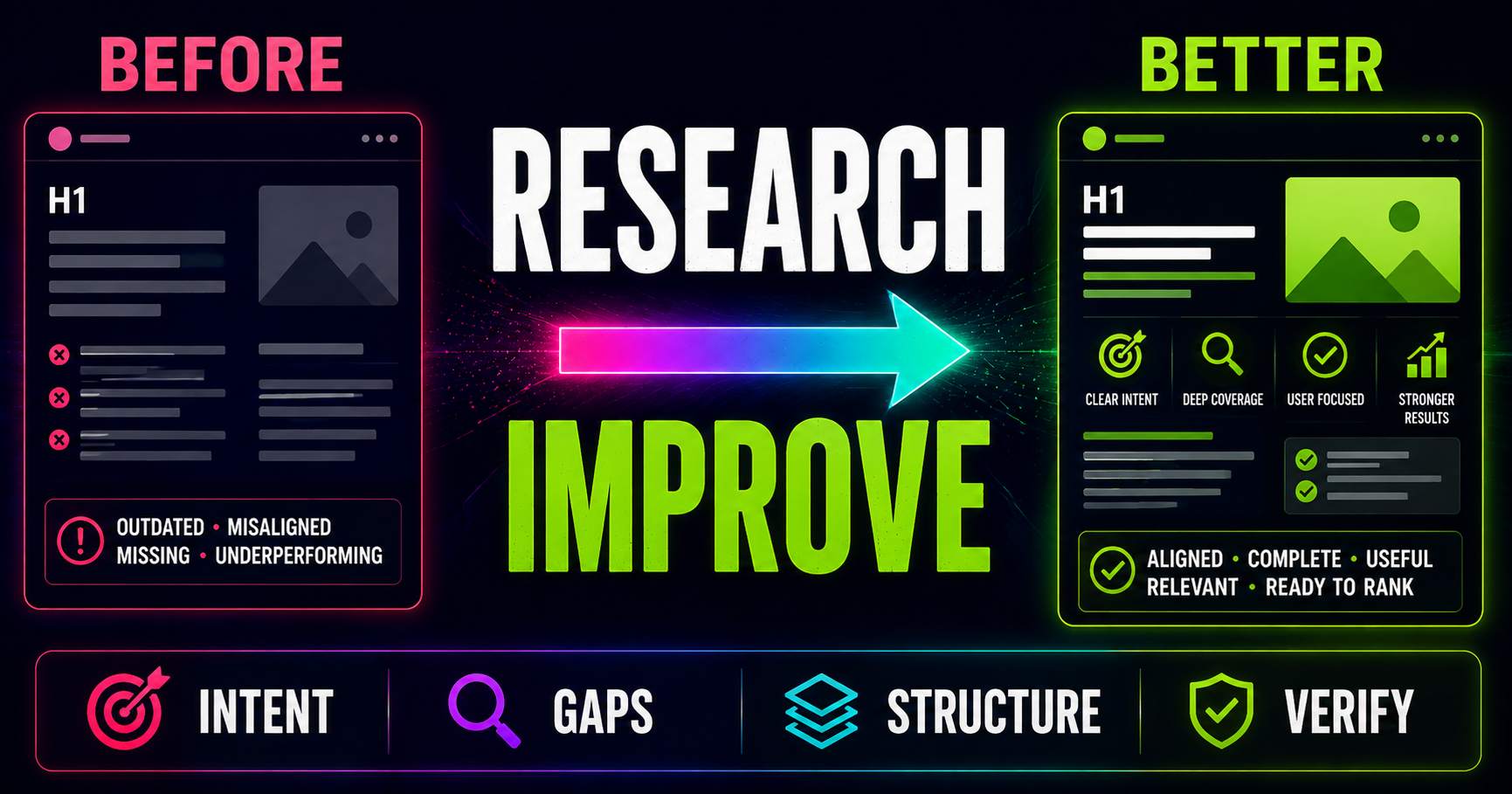
Keyword Research for Existing Pages: What Should You Improve?
Keyword research is not only for new content. Learn how to compare an existing page with current search intent, SERP patterns, related questions and content gaps to decide what actually needs improving.
Read guide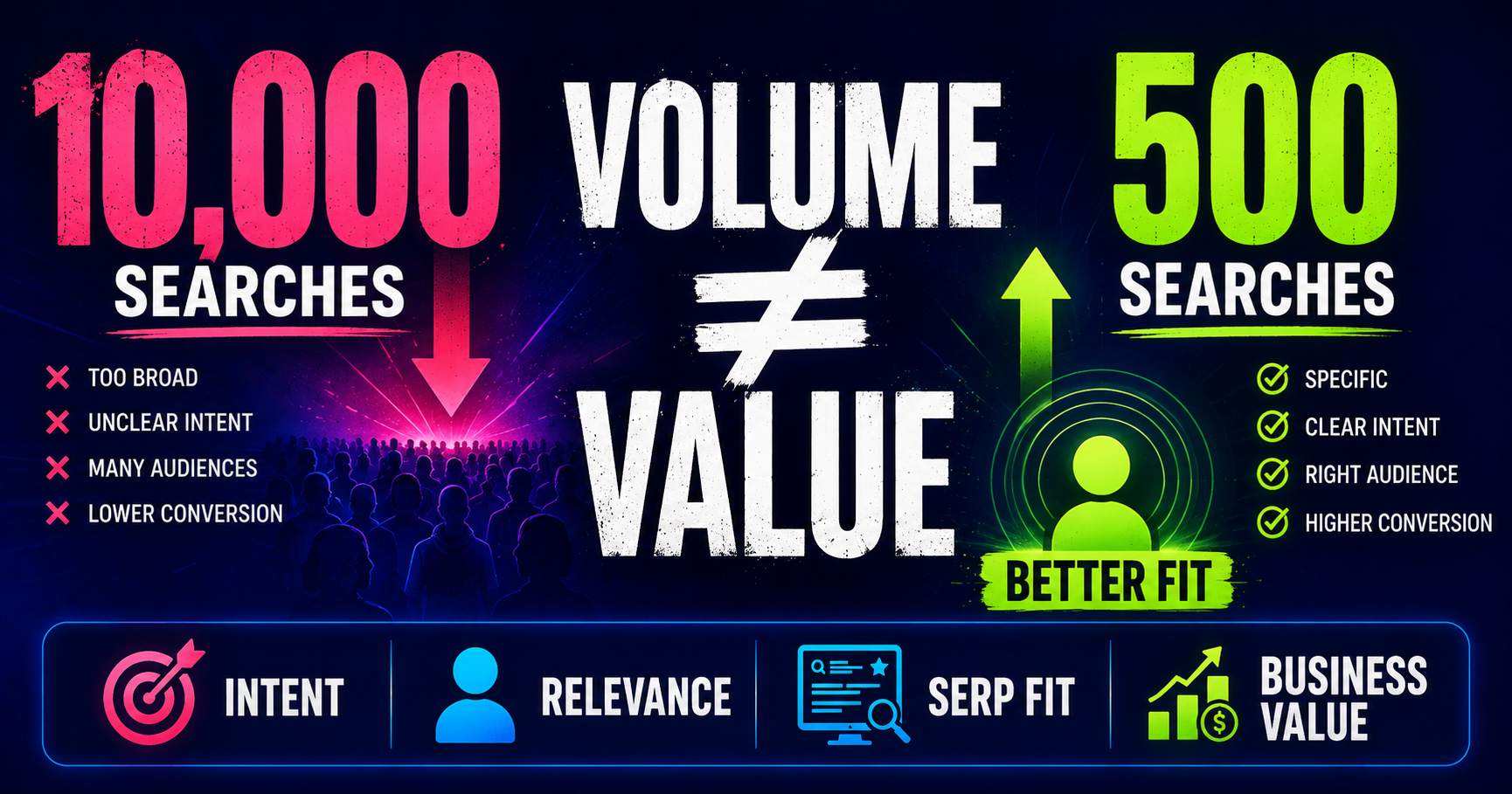
Search Volume Isn’t the Whole Story
Search volume can help you understand demand, but a bigger number does not automatically mean a better keyword. Learn how relevance, intent, specificity, SERP context and business value change the decision.
Read guide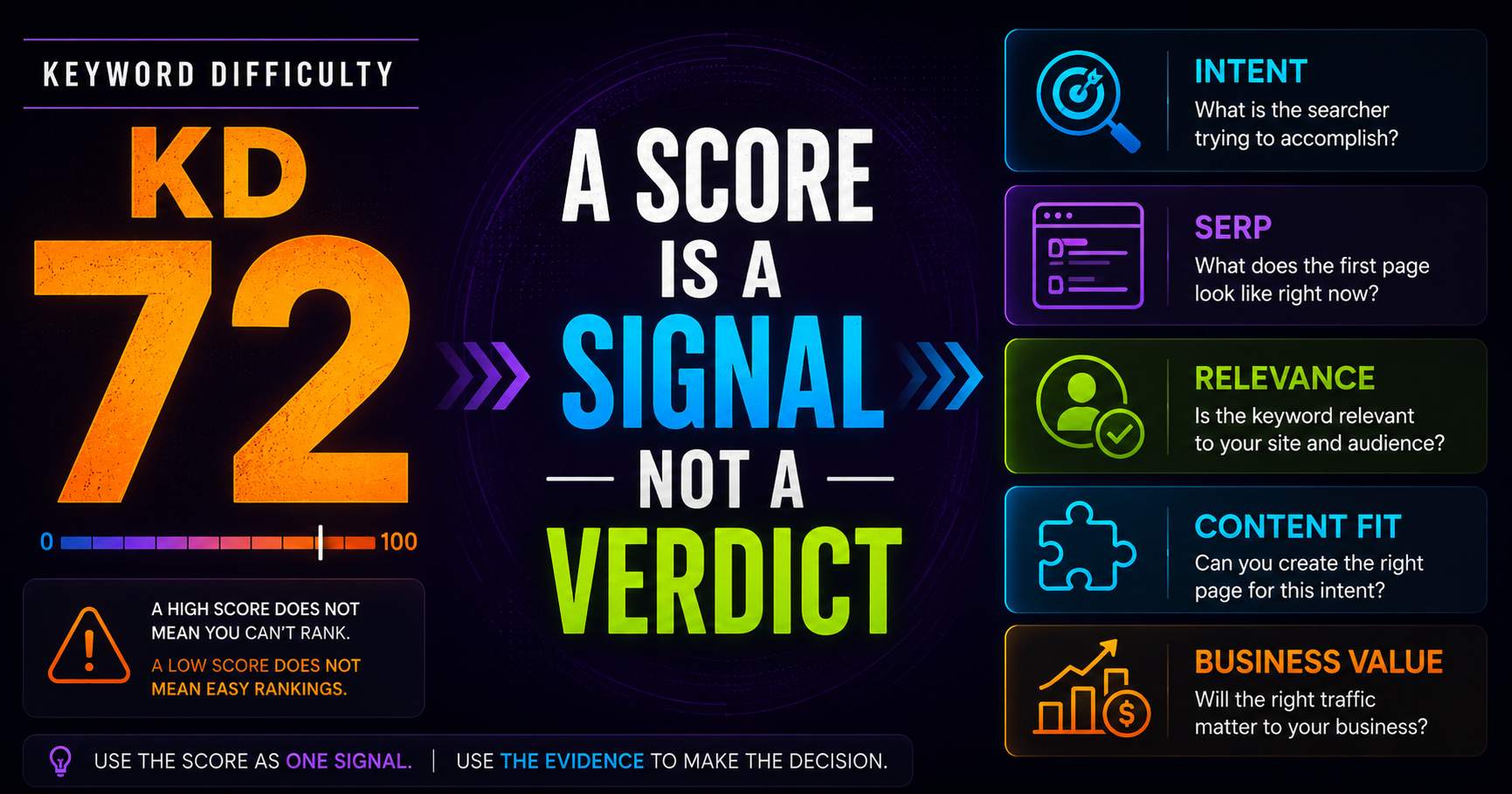
Keyword Difficulty: What the Number Does - and Doesn’t - Tell You
Keyword difficulty can be a useful comparison metric, but it is not a prediction of whether your page can rank. Learn what the score represents, what it leaves out, and how to use it alongside real SERP evidence.
Read guidePut this into practice
See what applies to your page.
Start with a one-page review, then run a full site audit when you are ready.