
Guide · SEO
What Does Fridica Actually Do?
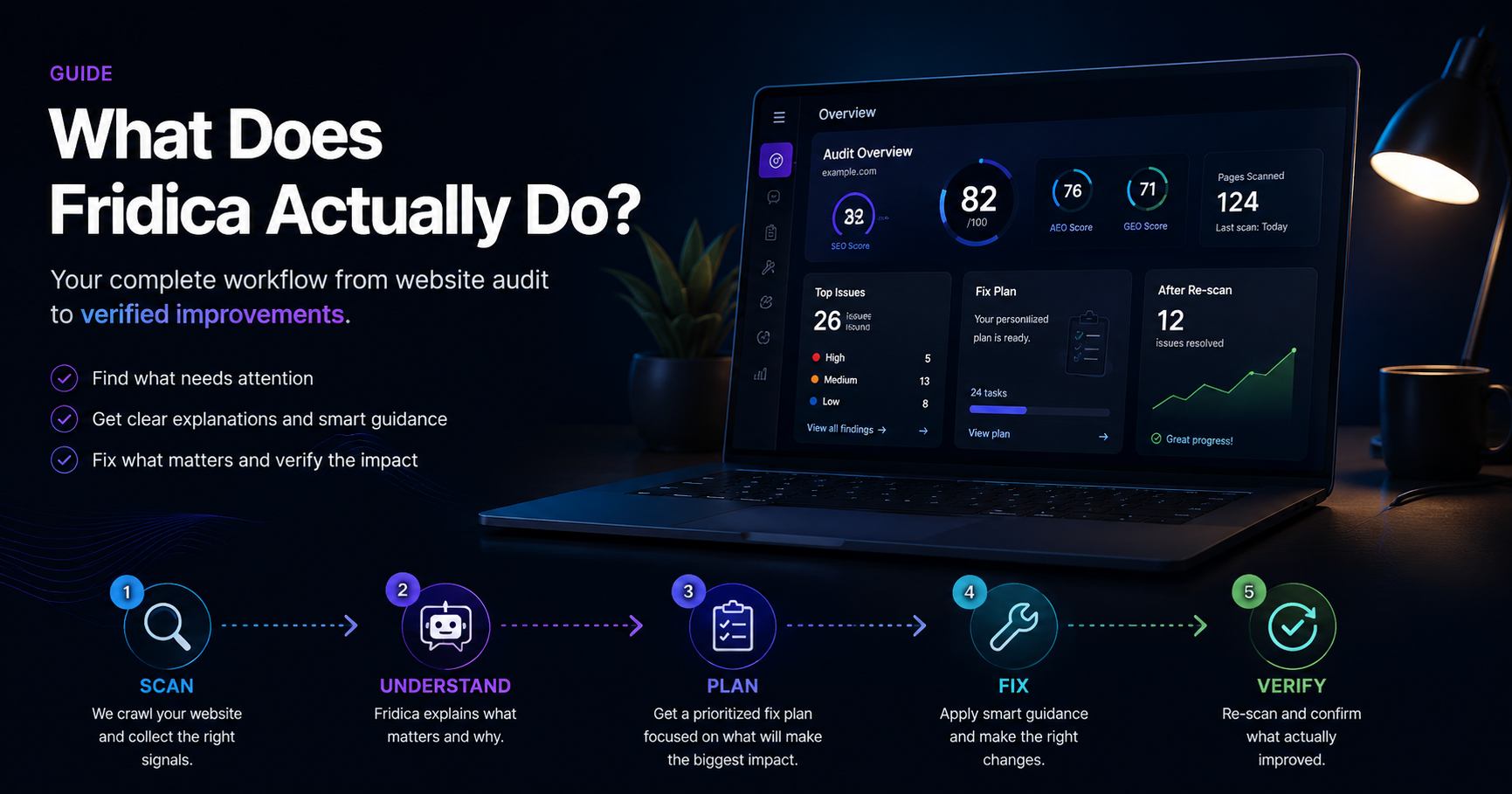
Fridica doesn’t just give your website a score. It finds what needs attention, explains why it matters, helps you decide what to fix, and lets you check whether your changes actually worked.
You run a website audit.
A few seconds later you get:
- three scores;
- several warnings;
- some technical terms;
- a list of URLs;
- and possibly the uncomfortable feeling that you now have more questions than before you started.
That is the problem Fridica is trying to solve.
A useful website audit should not stop at:
“Here are 26 things we found. Good luck.”
It should help you understand:
- what needs attention;
- how important it is;
- how much of the website it affects;
- why it matters;
- what you can do next;
- and whether your fix actually changed anything.
That is the idea behind Fridica.
Fridica in one sentence
Fridica helps you research what a page should target, audit what your website currently exposes, understand what needs attention, fix it, and verify what changed afterwards.
Underneath that simple sentence is a workflow we use throughout the product:
RESEARCH → UNDERSTAND → AUDIT → FIX → VERIFY
You do not have to become an SEO specialist to follow that workflow.
And if you already are an SEO specialist, Fridica does not hide the technical details from you.
The simple explanation is on the surface.
The evidence is underneath.
Research what the page should target
Not every SEO problem starts with a technical warning.
Sometimes the more important question comes earlier:
What should this page actually be about, and which search query is it a good fit for?
That is where Fridica's Keyword & Topic Assistant fits.
You can start with an existing page, a keyword idea, or a topic you want to explore.
Fridica helps you examine signals such as:
- search intent;
- the kinds of pages appearing in the search results;
- whether your existing page appears to fit the query;
- possible page directions;
- related terms and topics;
- areas of the topic that may deserve stronger coverage.
The goal is not to choose a keyword simply because it sounds relevant.
A keyword can describe your subject and still be a poor target if the search results show that users are looking for a different kind of page.
That is why Fridica treats keyword research as part of understanding the page before optimization begins.
Research gives you direction. The audit then shows how well the actual page supports that direction.
Audit the website
The audit starts with the website itself.
With a Full Website Audit, Fridica performs a bounded crawl of public pages and evaluates the signals it can actually observe.
It is not guessing what the website probably contains.
It inspects the captured pages and applies explicit audit rules.
You can also run a Single Page Audit when you only want to check one public URL without creating a full website project.
That is useful for:
- a landing page;
- a new article;
- a page you have just redesigned;
- a quick client check;
- or simply satisfying your curiosity before running a full audit.
What does Fridica actually check?
Fridica separates website readiness into three perspectives:
SEO Readiness
SEO checks look at technical and page-level search signals.
Depending on what is present and applicable, Fridica may inspect things such as:
- page titles;
- meta descriptions;
- canonical URLs;
- headings;
- links;
- structured-data validity;
- robots directives;
- discoverability signals;
- and other observable technical conditions.
AEO Structural Answer-Readiness
AEO looks more closely at how clearly the information on a page is structured.
For example:
- Is there a clear main heading?
- Does the heading hierarchy make sense?
- Are questions and answers structured clearly when they exist?
- Are lists and tables represented meaningfully?
- Is useful content actually visible in the captured page?
The goal is not to add special “AI keywords.”
The goal is to make the page easier to interpret.
GEO Structured Source-Readiness
GEO focuses on signals that help make the source itself more explicit.
These can include:
- publisher identity;
- author or organization identity;
sameAsreferences;- Article page identity;
- canonical and structured-data consistency;
- descriptive references to external sources.
This does not mean Fridica can tell you whether ChatGPT, Gemini, Google or another system will cite your website.
It means Fridica can inspect structured signals your website actually exposes.
About those three scores
Yes, Fridica gives you SEO, AEO and GEO readiness scores.
They are useful.
But they are not the whole product.
Think of a score as a quick orientation.
If SEO Readiness is:
93/100
that tells you the website performed well across most applicable weighted SEO checks.
It does not mean:
“Nothing important needs fixing.”
For example, a site may score highly overall while still having a canonical warning that affects every scanned page.
Those two facts are not contradictory.
The score summarizes many checks.
The findings tell you where the work is.
Find out what actually needs attention
This is where Fridica becomes more useful than a number.
A finding can tell you:
- what was detected;
- its severity;
- whether it is page-level or site-wide;
- how many scanned pages are affected;
- representative affected URLs;
- relevant technical evidence;
- and practical guidance.
So instead of:
“Your SEO score is 91.”
you may see:
Missing meta description — 23 of 25 pages affected.
Now you have something you can actually work with.
Why does “23 of 25 pages” matter?
Because not every warning tells the same story.
If one page has a problem, you may need to edit one page.
If 25 of 25 pages have the same problem, the cause may be somewhere shared:
- a template;
- a theme;
- an SEO plugin;
- a layout component;
- or a global configuration.
That can completely change what you should do next.
Fridica therefore tries to show both severity and scope.
A small warning repeated across an entire website may deserve a different response from one isolated warning.
Ask Fridica when something makes no sense
SEO terminology has an impressive talent for making simple things sound expensive.
Canonical URLs.
Structured source-readiness.
Publisher identity.
Heading hierarchy.
X-Robots-Tag.
Sometimes you just want to ask:
“Okay, but what does this actually mean?”
That is what Ask Fridica is for.
You can ask questions such as:
- What should I fix first?
- Explain this audit.
- Which issues affect most pages?
- Why is my SEO score high if every page has a canonical warning?
- Why does this particular finding matter?
There is an important boundary here.
The AI does not decide whether your website passed or failed an audit rule.
The deterministic audit engine has already done that.
Ask Fridica receives bounded audit context and helps explain the result.
In other words:
The audit finds the issue. Fridica helps you understand it.
Create a fix plan
Understanding every warning is useful.
But eventually you reach the question that matters:
“Fine. What do I actually do first?”
That is why Fridica has Create My Fix Plan.
The plan uses the findings already produced by the audit and organizes them into a practical order of work.
For example:
Start here
- Review the site-wide canonical configuration.
- Fix duplicate page titles.
- Add missing meta descriptions.
Quick wins
Smaller or easier changes that are worth addressing without letting them distract from higher-priority work.
Can wait
Useful improvements that do not need to be the first thing you work on.
Fridica does not let AI invent new audit findings just to make the plan look fuller.
The plan is built from findings the deterministic audit already knows about.
Not every finding belongs in the same bucket
This is an important part of the product.
Twenty warnings do not necessarily mean twenty equally important jobs.
One issue might:
- affect the whole site;
- be caused by one global configuration;
- and be relatively straightforward to repair.
Another might:
- affect two pages;
- require manual content work;
- and be perfectly reasonable to handle later.
A useful audit should help you see that difference.
Help me fix this
Once you know which finding to work on, Fridica can go one step further.
Inside supported findings you can use Help me fix this.
Choose an affected page and Fridica can provide a reviewable suggestion based on the captured audit context.
For example, if a page is missing a meta description, Fridica may suggest one.
If the title needs attention, it may suggest a clearer title.
For a heading issue, it can propose a cleaner hierarchy.
For certain canonical or structured-data findings, it can show an implementation pattern while clearly stating when there is not enough deterministic information to safely invent a value.
That last part matters.
If Fridica does not know what your preferred canonical URL should be, the correct answer is not to confidently make one up.
Sometimes:
“You need to verify this value first.”
is a much better answer than a very convincing hallucination.
Does Fridica automatically change my website?
No.
And at this stage, that is intentional.
Fix Assistant produces a suggestion for you to review.
You remain in control of the website.
There is no hidden CMS write access, no automatic theme editing, and no button that silently changes production code.
The current workflow is:
Fridica suggests → you review → you apply.
Re-scan the website
Making a change is only half of the job.
The next question is:
Did it actually solve the finding?
You can run another Full Website Audit after making your changes.
Fridica can then compare the newer audit with the previous one.
The deterministic comparison separates findings into lifecycle states such as:
- Resolved — previously detected and no longer present in the comparable current audit;
- Still present — detected again;
- New — newly detected in the current audit;
- Not re-evaluated — there was not enough comparable evidence to safely claim an outcome.
That last category may not sound exciting, but it is important.
If Fridica cannot reliably determine whether something was resolved, it should say so.
It should not turn missing evidence into a green checkmark.
Ask Fridica to explain what changed
Comparison data is useful, but it can still become a lot to process.
So Fridica can also turn the deterministic comparison into a plain-language progress summary.
For example:
- which findings improved;
- which still need attention;
- whether something new appeared;
- how readiness scores changed;
- and what a sensible next step might be.
Again, AI does not decide whether a finding is resolved.
The comparison engine already made that determination.
AI explains it.
So the real Fridica workflow looks like this
RESEARCH
Understand the query, search intent, search landscape, and possible direction for the page.
UNDERSTAND
Understand what the page should achieve and review findings, affected pages, and evidence.
AUDIT
Inspect what the website currently exposes across SEO, AEO, and GEO.
FIX
Use deterministic guidance, Academy content, Fix Assistant suggestions, and the evidence from the audit to improve the real page.
VERIFY
Re-scan, compare audits, and see what actually changed.
Do I need to know SEO to use Fridica?
No.
One of Fridica's goals is that you should not need to understand a complicated SEO platform just to know what deserves attention.
If you own a website, you can stay close to questions such as:
- What should this page target?
- What is wrong?
- How important is it?
- What should I do first?
- Can you explain this?
- Did my fix work?
That is enough to make meaningful progress.
What if I do know SEO?
Then Fridica should not get in your way.
You can go deeper into:
- search intent and query fit;
- page directions and topic coverage;
- deterministic findings;
- severity;
- rule weight;
- page and site scope;
- affected-page counts;
- representative URLs;
- technical evidence;
- discoverability;
- indexability signals;
- structured data;
- comparison lifecycle.
That is why we do not think of Fridica as “SEO for beginners.”
A better description is:
Simple enough to understand. Detailed enough to inspect.
Where does the Academy fit?
Sometimes you do not just want to fix something.
You want to understand it properly.
That is what Fridica Academy is for.
Keyword & Topic Assistant helps you research the direction of a page.
The audit tells you what was detected.
Ask Fridica helps explain your current result.
The Academy goes deeper into topics such as:
- keyword research;
- search intent;
- SEO;
- AEO;
- GEO;
- technical SEO;
- WordPress;
- AI search;
- and the concepts behind individual findings.
You can learn as much or as little as you need.
What Fridica does not promise
Fridica can research observable search-result signals and inspect a public website using the capabilities covered by the product.
It cannot honestly promise:
- a particular Google ranking;
- an increase in traffic;
- that Google has indexed a page;
- that an AI system will cite your content;
- that another platform considers your website authoritative.
Those outcomes involve systems and information outside the website audit and research workflow.
We would rather give you evidence we can inspect than invent a very impressive-looking number for something we cannot actually observe.
Who is Fridica for?
Fridica can be useful to several kinds of people.
Website owners
You want to know what needs attention without spending six months becoming an SEO specialist.
Developers and freelancers
You want to check a website before delivery, find recurring technical problems, inspect affected pages
Keep learning
Related SEO guides
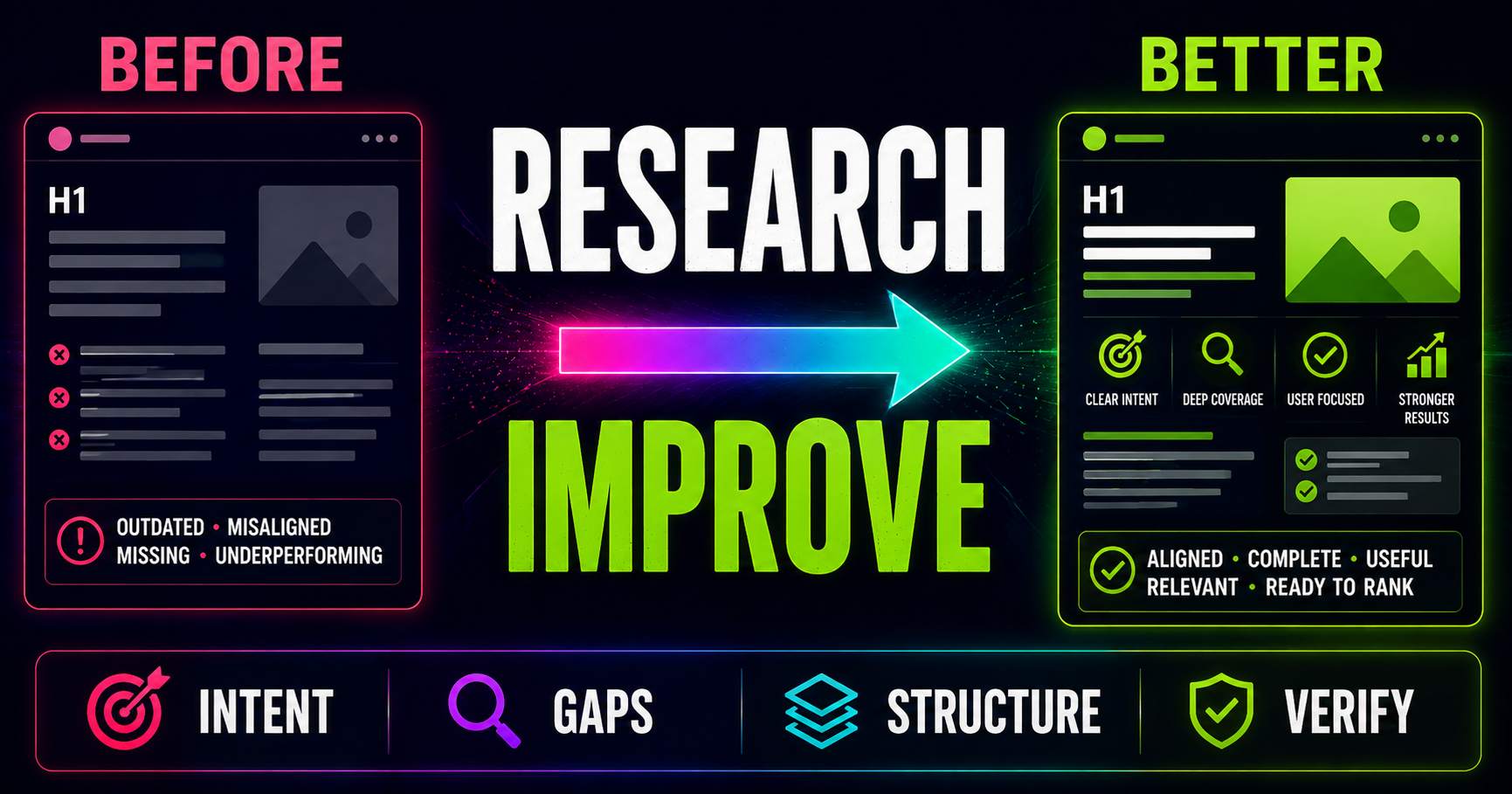
Keyword Research for Existing Pages: What Should You Improve?
Keyword research is not only for new content. Learn how to compare an existing page with current search intent, SERP patterns, related questions and content gaps to decide what actually needs improving.
Read guide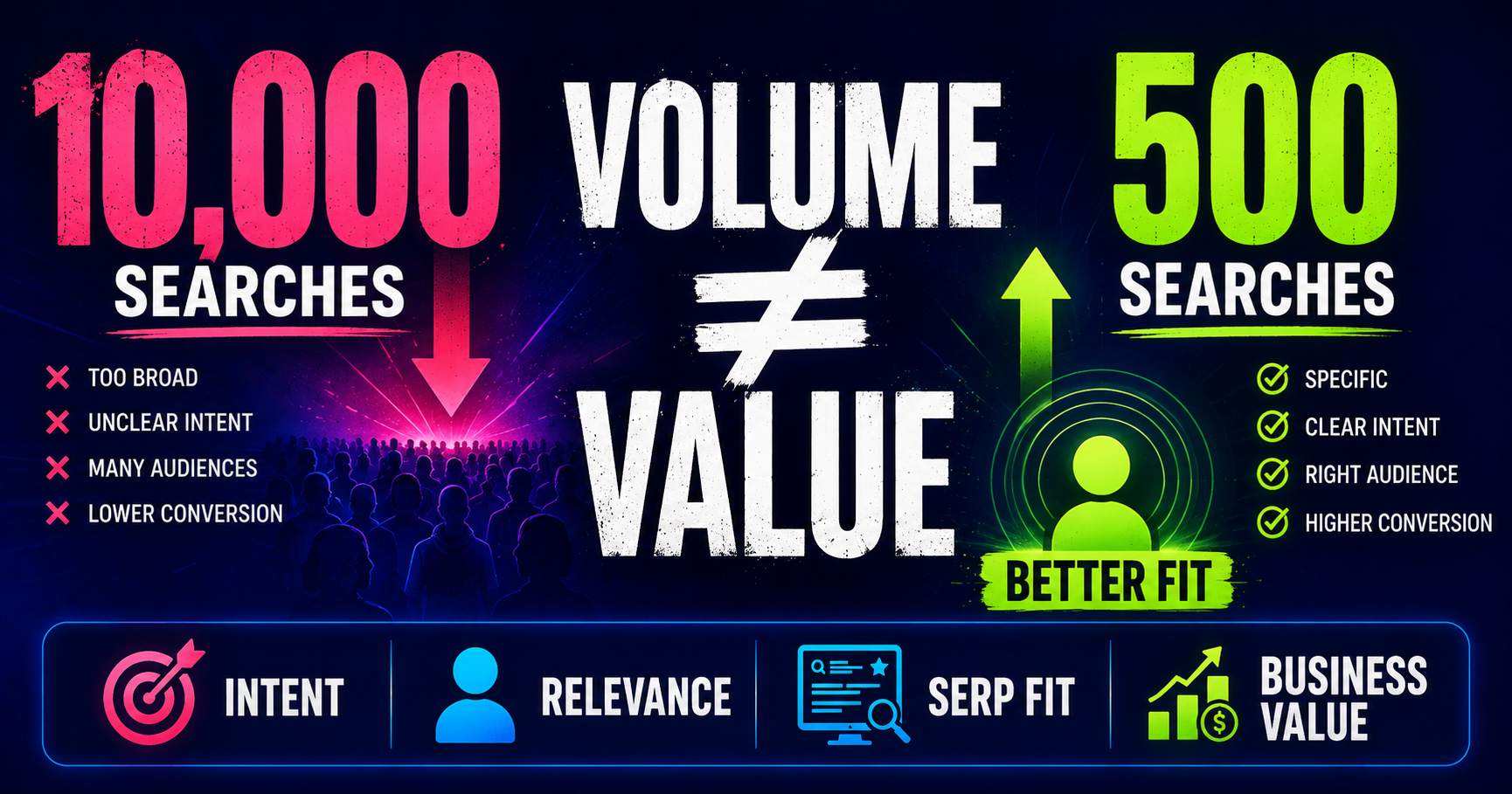
Search Volume Isn’t the Whole Story
Search volume can help you understand demand, but a bigger number does not automatically mean a better keyword. Learn how relevance, intent, specificity, SERP context and business value change the decision.
Read guide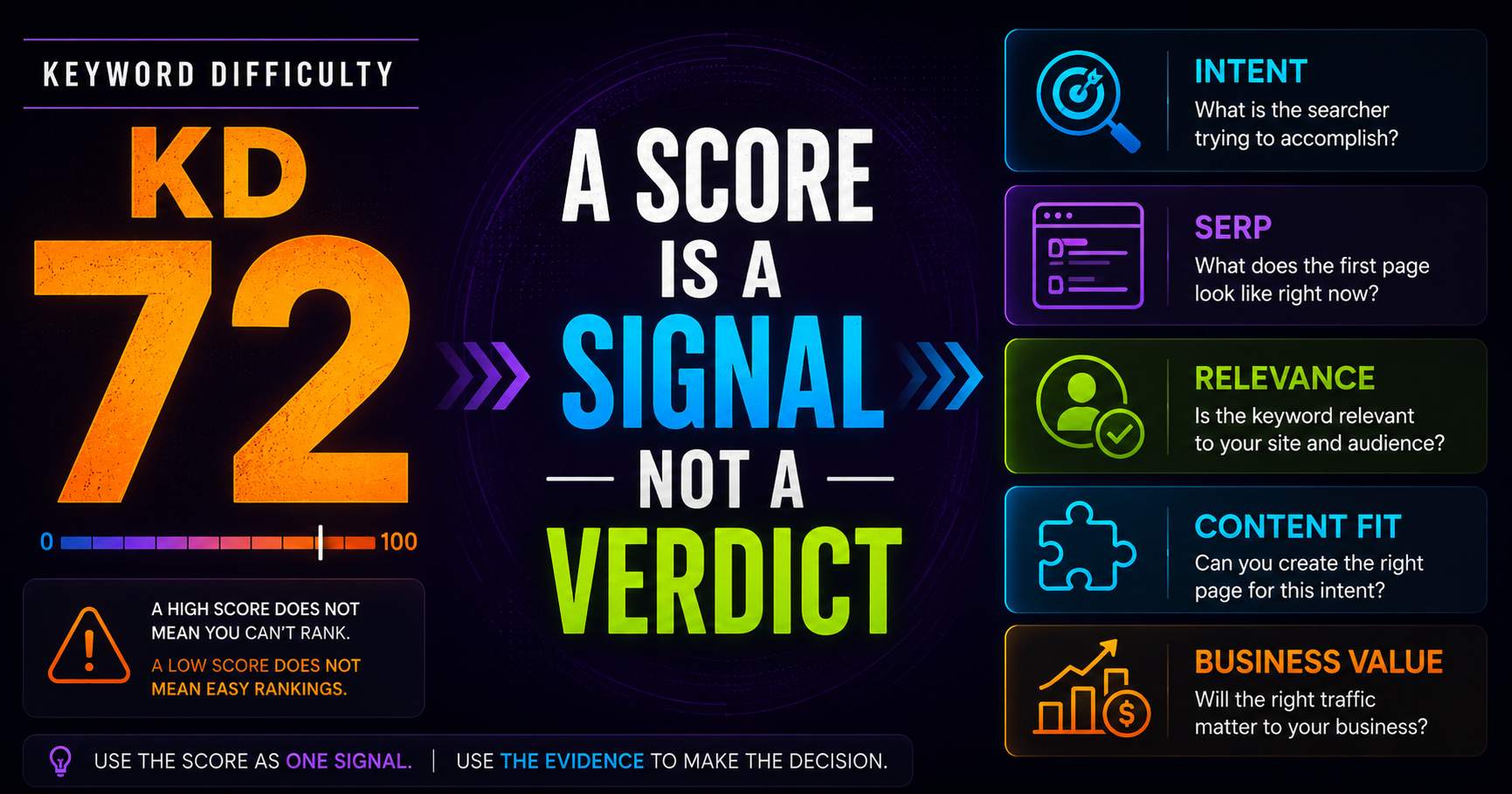
Keyword Difficulty: What the Number Does - and Doesn’t - Tell You
Keyword difficulty can be a useful comparison metric, but it is not a prediction of whether your page can rank. Learn what the score represents, what it leaves out, and how to use it alongside real SERP evidence.
Read guidePut this into practice
See what applies to your page.
Start with a one-page review, then run a full site audit when you are ready.