
Guide · SEO
Related Searches: What They Can Tell You About a Topic
Related searches can reveal how people expand a topic, which questions sit around the main query and where useful content opportunities may exist. Learn how to use them without turning your page into a list of random keywords.
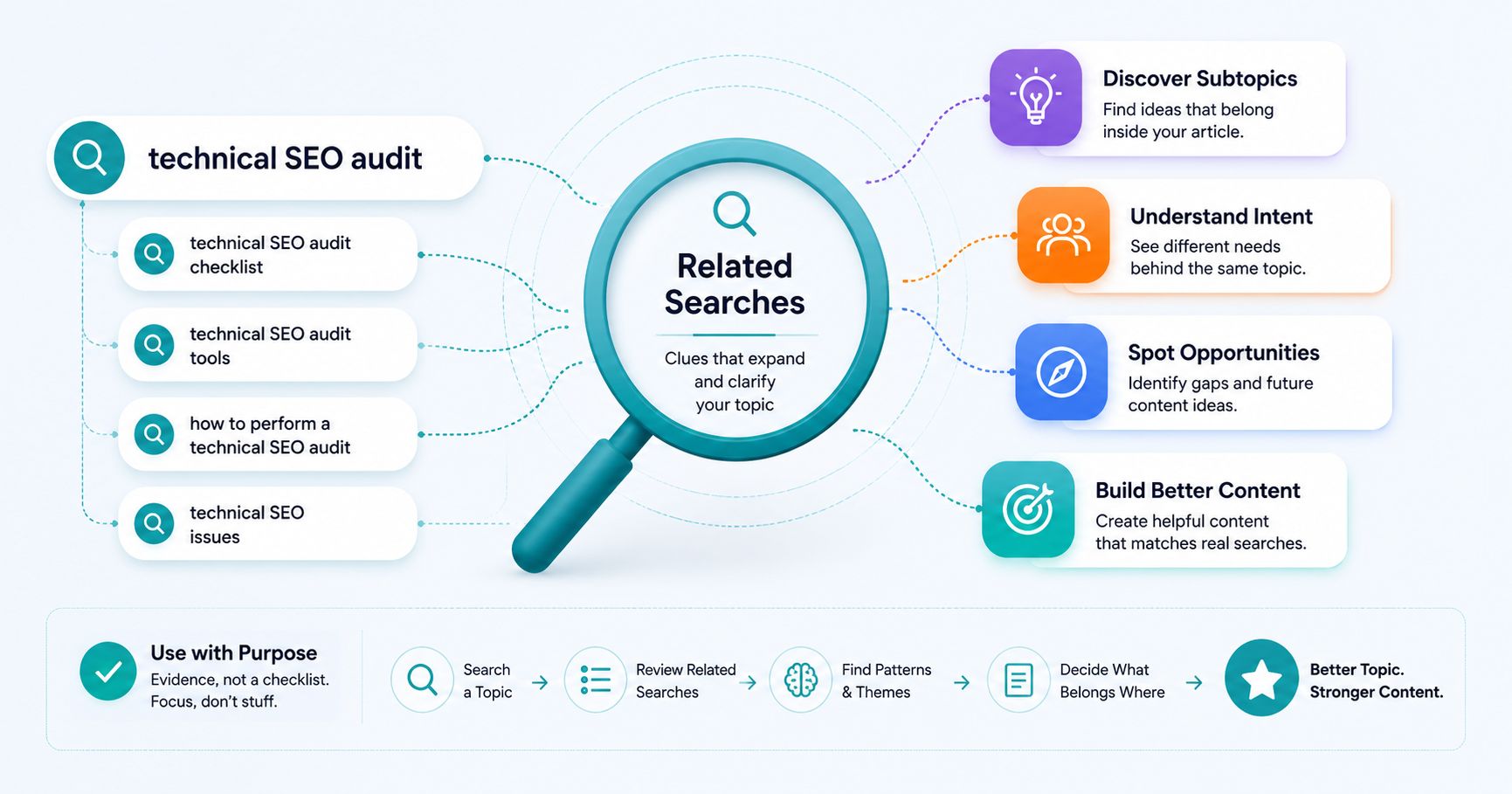
You search for one topic.
Then the search engine quietly gives you several more.
Those suggestions may look like simple variations of your original query.
But they can reveal something much more useful:
how people expand, refine and explore the topic.
That is why related searches can be valuable during keyword and content research.
They are not a list of phrases you need to force into an article.
They are clues about the wider search landscape.
What are related searches?
Related searches are additional queries shown by a search engine around the topic you searched for.
They may represent:
- different ways of describing the same problem;
- more specific versions of the query;
- adjacent topics;
- different search intents;
- common follow-up searches;
- or alternative directions people explore.
For example, imagine searching for:
“technical SEO audit”
Related searches might include ideas around:
- technical SEO audit checklist;
- technical SEO audit tools;
- how to perform a technical SEO audit;
- technical SEO issues;
- website audit;
- or SEO audit report.
Those phrases are related.
But they do not necessarily belong on the same page.
Related searches help reveal the shape of a topic
A broad keyword can hide a lot of different needs.
Related searches can make those needs easier to see.
Suppose you start with:
“local SEO.”
That phrase alone is extremely broad.
But related searches may point toward:
- local SEO for small business;
- local SEO checklist;
- Google Business Profile optimization;
- local SEO ranking factors;
- local SEO tools;
- local SEO services;
- or how to improve local search visibility.
Now the topic starts to develop structure.
You can begin to see:
- educational questions;
- commercial searches;
- tool-related searches;
- implementation topics;
- and possible subtopics.
They can help clarify search intent
Related searches are especially useful when the original query is ambiguous.
Consider:
“website audit.”
The searcher could mean:
- an SEO audit;
- a technical audit;
- a design review;
- a website audit tool;
- a paid audit service;
- or a checklist for auditing the site themselves.
Related searches can show which interpretations appear around the query.
If many suggestions focus on:
checklists, how-to guides and technical issues,
that gives you evidence of strong informational interest.
If the suggestions focus heavily on:
tools, pricing and services,
the commercial side of the topic may be stronger.
One related search can represent a completely different intent
This is where people often make a mistake.
A query is related.
So they assume it belongs in the same article.
Not necessarily.
Imagine your main article targets:
“how to perform an SEO audit.”
A related search appears:
“SEO audit service.”
The topics are connected.
The intents are different.
The first search likely needs a practical guide.
The second may be looking for someone to perform the audit.
Trying to target both equally on one page could weaken the purpose of the content.
Use related searches to find subtopics
Some related searches naturally belong inside the article you are already planning.
For example, suppose your article is:
“How to Improve Local SEO.”
Related searches might point toward:
- Google Business Profile;
- local citations;
- reviews;
- local keyword research;
- location pages;
- and local links.
Those ideas may become useful sections because they directly support the main question.
The research helps you ask:
“What does someone need to understand in order to solve this problem properly?”
Use them to find future article ideas
Other related searches may be too large or too different to squeeze into the current page.
That is not a problem.
They can become future content.
Suppose you are writing:
“What Is Keyword Research?”
Related searches might lead toward:
- keyword difficulty;
- search volume;
- long-tail keywords;
- search intent;
- keyword research tools;
- and keyword research for existing pages.
Trying to explain every one of those topics in depth would make the article enormous.
Instead, they can become a connected article series.
That is exactly how a useful content cluster can develop naturally from research.
Related searches can expose different audience segments
Sometimes the topic remains the same while the audience changes.
Imagine researching:
“project management software.”
Related searches may include:
- project management software for freelancers;
- project management software for nonprofits;
- project management software for small teams;
- project management software for construction;
- or project management software for agencies.
The product category is similar.
The problems may be very different.
A freelancer may care about:
- simplicity;
- low cost;
- client communication;
- and working alone.
An agency may care more about:
- team permissions;
- multiple clients;
- reporting;
- resource planning;
- and collaboration.
Related searches can therefore help uncover different audience needs within one broader market.
Look for patterns, not individual phrases
One suggestion on its own may not tell you much.
Patterns are more useful.
Suppose several related searches repeatedly include:
- “for beginners”;
- “step by step”;
- “checklist”;
- and “how to.”
That pattern may suggest that people need practical introductory guidance.
Now imagine the suggestions instead include:
- “best”;
- “vs”;
- “review”;
- “pricing”;
- and “alternatives.”
That looks much more commercial.
The individual keywords matter.
The repeated pattern matters more.
Related searches can help you narrow a broad topic
Sometimes your starting keyword is simply too wide.
For example:
“SEO.”
You could write for months and still not finish that topic.
Related searches may reveal more practical directions such as:
- SEO for small business;
- technical SEO;
- local SEO;
- SEO audit;
- SEO for WordPress;
- or SEO content strategy.
Those directions are easier to research.
And they are much easier to turn into a focused page.
Related searches can also tell you when a topic is too narrow
The opposite can happen too.
You begin with an extremely specific query.
Then the surrounding searches reveal that people usually explore it as part of a broader problem.
For example:
“canonical URL missing on product category page.”
Related searches may lead back toward:
- canonical tags;
- duplicate content;
- WordPress canonical URLs;
- ecommerce SEO;
- and indexing problems.
That may indicate the question belongs naturally inside a broader technical guide rather than requiring its own standalone page.
Do not treat related searches as a keyword stuffing checklist
This is probably the most important rule.
If Google shows ten related searches, you do not need ten exact phrases in the article.
You definitely do not need to create sentences such as:
“If you are looking for local SEO checklist local SEO tools local SEO ranking factors…”
That helps nobody.
Related searches are research signals.
Use them to understand the topic.
Then write normally.
Do not create a separate page for every related search
Another common mistake is creating dozens of near-duplicate pages.
For example:
- best SEO tool;
- best SEO tools;
- top SEO tools;
- best tools for SEO;
- top tools for SEO.
Those phrases may describe essentially the same search need.
Creating five almost identical pages can create unnecessary overlap.
Instead, compare:
- search intent;
- result types;
- SERP overlap;
- and whether the searcher genuinely needs a different page.
When should a related search become a separate page?
A related query may deserve its own page when it represents:
- a substantially different intent;
- a different audience;
- a large subtopic;
- a distinct problem;
- a different page format;
- or enough useful information to justify standalone coverage.
For example:
“what is keyword difficulty”
could reasonably become its own article inside a larger keyword research series.
It asks a specific question that deserves a focused explanation.
Related searches can help build internal links
Once you have multiple useful pages around a topic, related-search research can also help reveal natural internal-link relationships.
A guide about keyword research might naturally link to articles about:
- search intent;
- related searches;
- search volume;
- keyword difficulty;
- primary keywords;
- and content briefs.
Those links are useful because the topics are genuinely connected.
They are not inserted simply because an SEO checklist says:
“Add three internal links.”
Related searches are evidence, not instructions
A related search tells you:
“This query exists in the current search landscape around your topic.”
It does not automatically tell you:
- how much search volume it has;
- how difficult it is;
- whether you can rank for it;
- whether it belongs on your current page;
- or whether it has commercial value.
Those are separate questions.
Keep the evidence and interpretation separate.
Combine related searches with the SERP
Related searches become much more useful when you compare them with the actual results.
For a promising related query, ask:
- What ranks for it?
- Does it show the same page types as the original query?
- Does it appear to have the same intent?
- Do many of the same URLs rank?
- Would the same page satisfy both searches?
If the answers are mostly yes, the queries may belong together.
If the search landscape changes dramatically, you may be looking at a separate topic.
Use related searches with People Also Ask carefully
Related searches and People Also Ask can complement each other.
But they are not the same thing.
Related searches show additional queries around the topic.
People Also Ask presents questions in the search experience when that feature is available.
Together they can help reveal:
- topic expansion;
- common questions;
- intent variations;
- and potential content structure.
If a particular search feature is not present, do not invent it.
Where Fridica fits
Fridica's Keyword & Topic Assistant can include related searches when they are returned in the current search evidence.
Those related searches remain part of the evidence layer.
Fridica can then help interpret them alongside:
- organic results;
- questions when present;
- featured search elements;
- AI Overview when available;
- and the wider SERP pattern.
The analysis can then help identify:
- topic opportunities;
- possible subtopics;
- different intents;
- questions worth answering;
- potential content gaps;
- and possible future pages.
The goal is not to produce the longest possible keyword list.
The goal is to understand the topic better.
Fridica does not turn related searches into fake metrics
Seeing a related search does not mean we know:
- its exact search volume;
- keyword difficulty;
- CPC;
- traffic potential;
- or ranking probability.
Those require separate verified data sources.
Fridica keeps the distinction clear.
A related search is observed search evidence.
Anything we conclude from it is interpretation.
A practical related-search workflow
When researching a topic:
- Start with one clear query.
- Review the current related searches.
- Group similar suggestions together.
- Look for repeated modifiers and themes.
- Identify possible intent differences.
- Decide which ideas support the current page.
- Separate larger topics that deserve their own page.
- Compare important queries with their actual SERPs.
- Use the findings to refine your content brief.
The short version
Related searches are not instructions to add more keywords.
They are clues.
They can help reveal:
- how people expand a topic;
- which subtopics matter;
- where search intent changes;
- which audience segments appear;
- what might belong in the current page;
- and which ideas deserve separate content.
Look for patterns.
Compare the real search results.
Keep related topics together when they serve the same need.
Separate them when they do not.
Related searches are most useful when they help you understand the topic — not when they simply give you more phrases to repeat.
In the next article in this series, we will look at what you can learn from the first page of Google and how the SERP itself can reveal intent, formats, competition and content opportunities before you create a page.
Keep learning
Related SEO guides
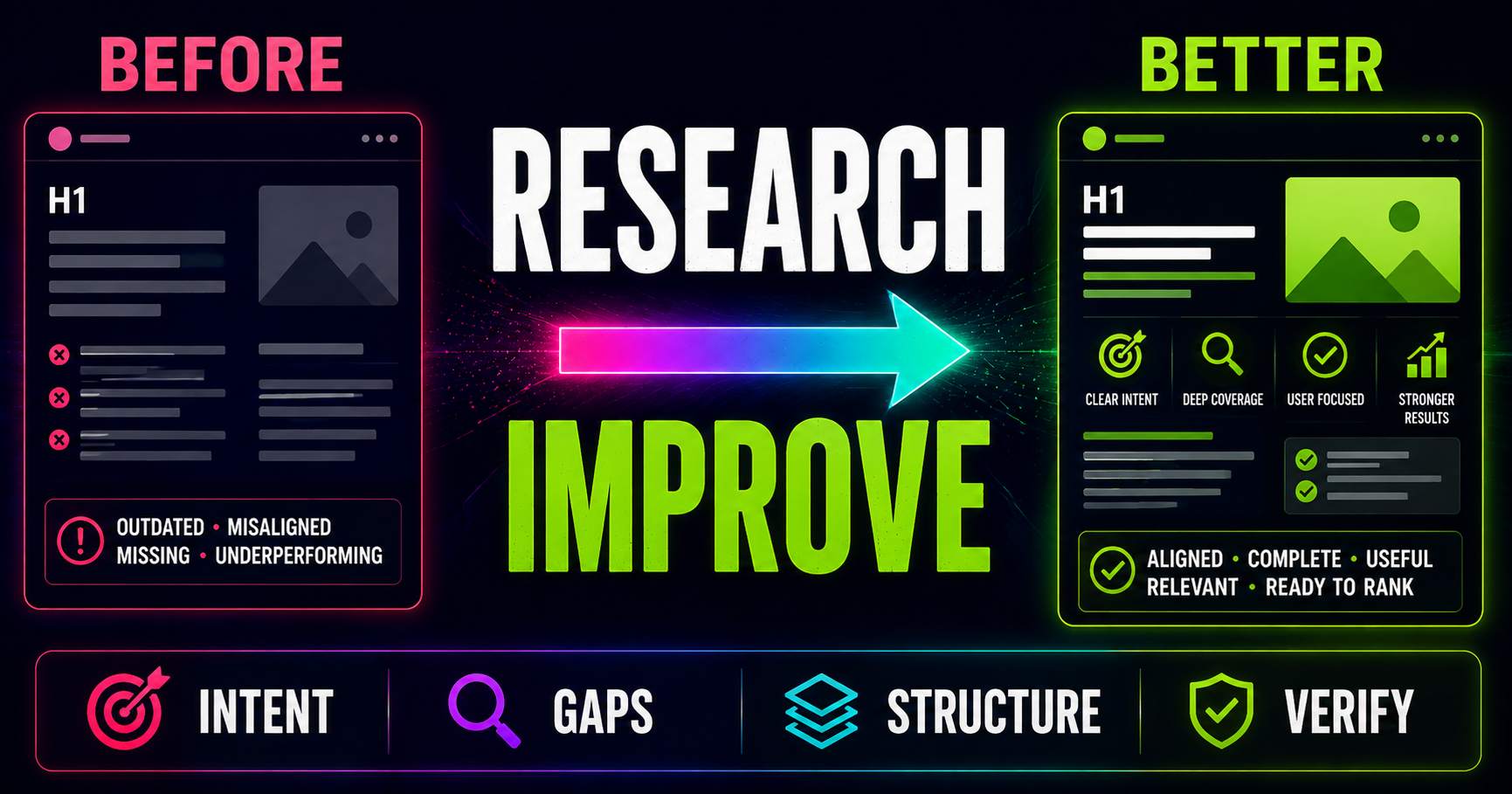
Keyword Research for Existing Pages: What Should You Improve?
Keyword research is not only for new content. Learn how to compare an existing page with current search intent, SERP patterns, related questions and content gaps to decide what actually needs improving.
Read guide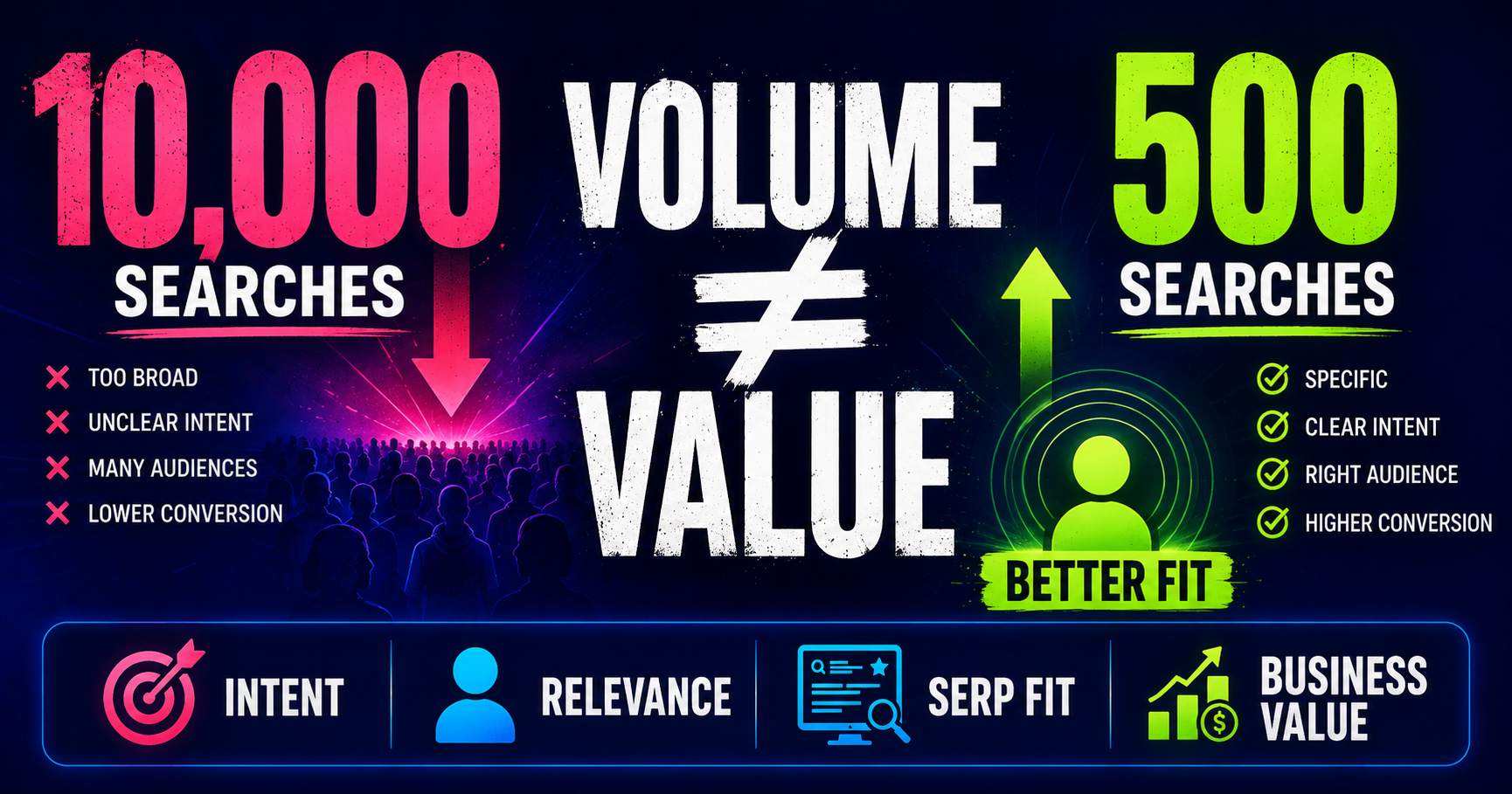
Search Volume Isn’t the Whole Story
Search volume can help you understand demand, but a bigger number does not automatically mean a better keyword. Learn how relevance, intent, specificity, SERP context and business value change the decision.
Read guide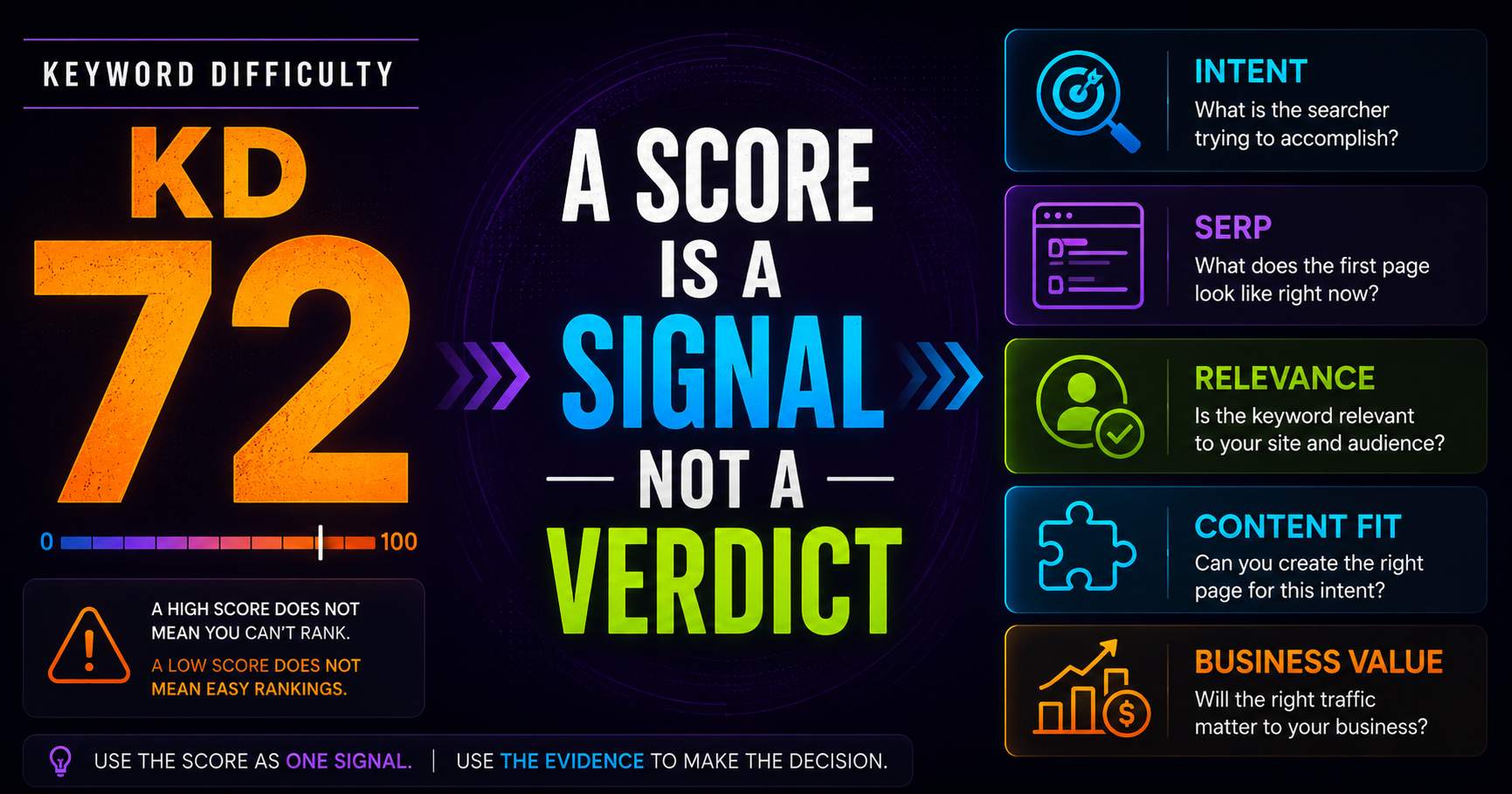
Keyword Difficulty: What the Number Does - and Doesn’t - Tell You
Keyword difficulty can be a useful comparison metric, but it is not a prediction of whether your page can rank. Learn what the score represents, what it leaves out, and how to use it alongside real SERP evidence.
Read guidePut this into practice
See what applies to your page.
Start with a one-page review, then run a full site audit when you are ready.