
Guide · SEO
Fridica Found 26 Issues. What Should You Fix First?
Your audit found 26 issues. That does not mean you have 26 equally important jobs. Learn how to separate site-wide problems, quick wins and lower-priority fixes — and decide what deserves attention first.
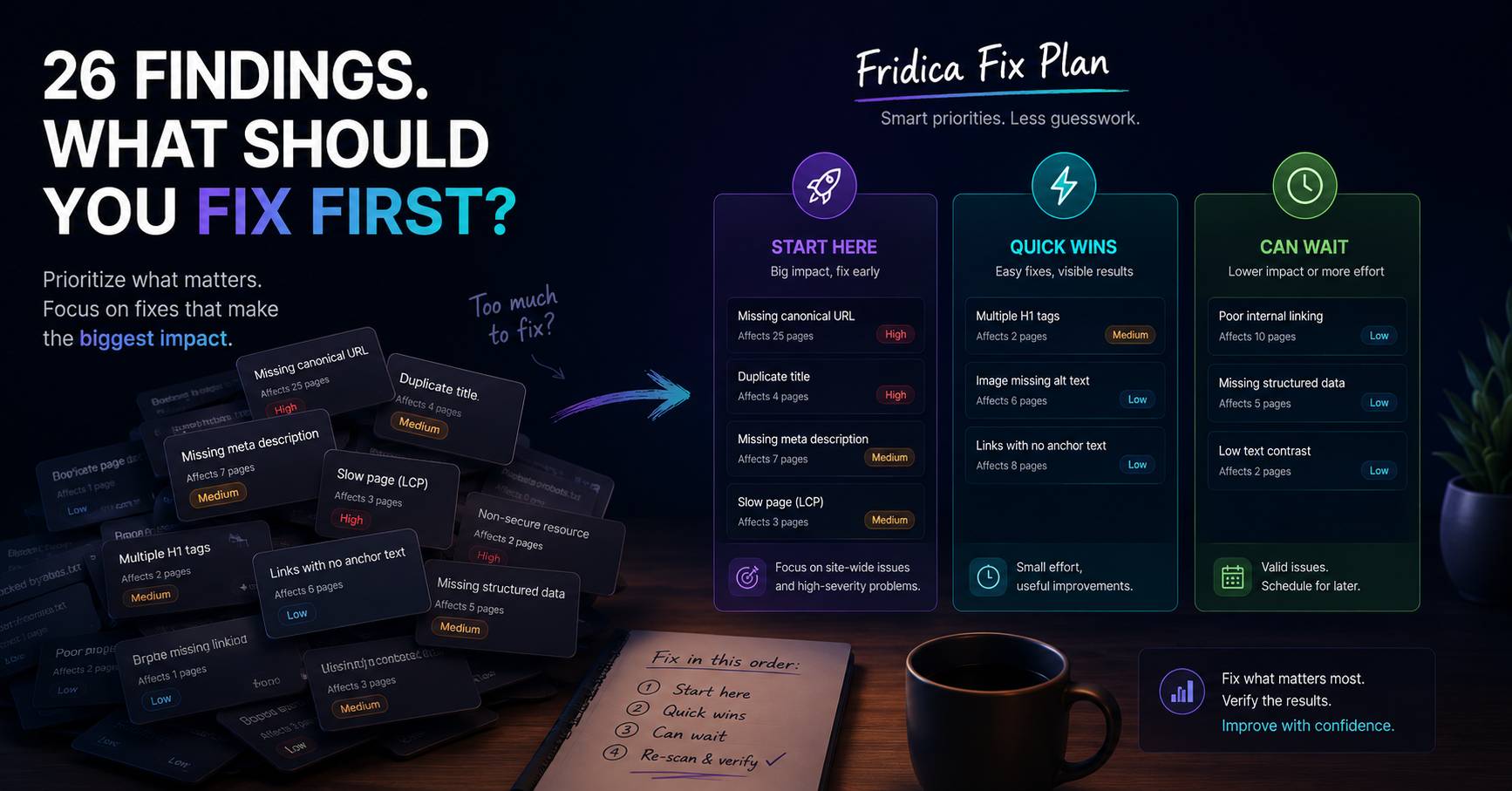
You run an audit.
Fridica finishes scanning your website and gives you the result:
26 findings.
Excellent.
Except now you have another problem.
Which one do you fix first?
It is very tempting to start at the top of the list and work your way down.
Finding number one. Fix it.
Finding number two. Fix it.
Finding number three...
Twenty-three findings later, you may discover that the biggest problem on the website could have been fixed with one global setting.
That is why a useful website audit needs more than a list of warnings.
It needs context.
26 findings do not mean 26 equally important jobs
This is the first thing worth understanding.
An audit finding is evidence that a particular rule detected something that deserves attention.
But findings are not interchangeable.
One issue might affect:
- one page;
- a low-priority piece of content;
- and require a manual edit.
Another might affect:
- every page on the website;
- a shared template or configuration;
- and be fixable in one place.
Both may appear in the audit.
That does not mean they deserve the same place in your to-do list.
Start with the question: how much of the website is affected?
One of the most useful pieces of information in a Fridica finding is its scope.
Imagine these two findings:
Missing meta description — 1 of 30 pages affected.
and:
Missing canonical URL — 30 of 30 pages affected.
Even before discussing technical severity, those two findings tell very different stories.
The first may be a page-level oversight.
The second strongly suggests that you should look for something shared across the website.
For example:
- a theme template;
- a CMS setting;
- an SEO plugin;
- a global layout;
- or common rendering logic.
That is why affected-page counts matter.
They help turn:
“Something is wrong.”
into:
“This may be one website-level problem showing up on 30 pages.”
Severity matters — but it is not the only thing that matters
Severity is useful.
A high-severity finding usually deserves more attention than a cosmetic or informational issue.
But severity should not be read in isolation.
A practical priority often depends on several things together:
- severity;
- rule weight;
- whether the issue is page-level or site-wide;
- how many pages are affected;
- how easy the issue is to fix;
- and whether fixing one root cause could improve many pages at once.
In other words:
priority is a decision, not just a color badge.
Look for root causes before fixing symptoms
Suppose 24 pages are missing canonical URLs.
You could open 24 pages one by one.
You could also first ask:
“Why are all of them missing the same thing?”
That second question is usually more useful.
Repeated findings often point to repeated causes.
For developers, that might mean checking:
- the page template;
- the document head;
- shared components;
- CMS configuration;
- SEO plugin settings;
- or how metadata is generated.
For a site owner, you do not necessarily need to know which PHP function, React component or WordPress hook is involved.
You just need to know:
“This appears across most of the website, so I should investigate the shared setup before editing pages individually.”
That can save a lot of unnecessary work.
Then look for quick wins
Not everything important needs to become a three-day technical project.
Some findings are relatively easy to address.
For example, depending on the website:
- a missing meta description on an important page;
- a duplicate title;
- an unclear heading structure;
- generic link text;
- or a missing structured identity reference.
A quick win is not simply “a low-severity issue.”
It is an issue where the expected work is reasonably small compared with the value of cleaning it up.
Think:
small effort, useful improvement.
And yes, some things can wait
This may be the most relaxing sentence in the entire guide:
You do not need to fix every audit warning today.
Seriously.
A website audit is not a fire alarm.
Some findings deserve immediate investigation.
Some are useful maintenance tasks.
Some belong in the next content update.
Some may remain lower priority because they affect only a small part of the site.
And some require more context before you should change anything at all.
The goal is not to make the report completely empty.
The goal is to understand what deserves your attention and make sensible improvements.
A high score does not mean you should ignore the findings
This is where audit scores can become confusing.
Imagine your website has:
SEO Readiness: 93/100
That looks excellent.
Then you notice:
Canonical issue — all scanned pages affected.
How can both be true?
Because the score summarizes performance across multiple applicable weighted checks.
One failing rule does not necessarily erase all the other checks the website passed.
The score answers:
“How did the website perform across the audit rules?”
The finding answers:
“What specifically still deserves attention?”
Those are different questions.
That is why Fridica treats the score as orientation rather than the final decision about what to do next.
So how should you prioritize an audit?
A useful first pass can be surprisingly simple.
1. Check site-wide or high-prevalence findings
If the same issue affects most or all scanned pages, investigate whether there is a shared cause.
2. Review higher-severity findings
Understand why they were flagged and whether they affect important technical or structural behavior.
3. Find fixes that solve multiple pages at once
A template-level correction may be more valuable than manually polishing several isolated pages.
4. Pick useful quick wins
Handle straightforward problems that can be corrected without distracting from larger work.
5. Leave lower-priority items for later
Do not let a long audit report turn into an endless list of equally urgent tasks.
Or ask Fridica to organize it for you
This is exactly why we built Create My Fix Plan.
Instead of forcing you to manually compare every warning, Fridica can take the deterministic findings already captured in the audit and organize them into a practical order of work.
A Fix Plan can separate recommendations into groups such as:
Start here
The findings that deserve your attention first based on the audit context available.
Quick wins
Useful changes that may be relatively straightforward to address.
Can wait
Valid findings that do not necessarily need to become your immediate priority.
The important part is what happens behind that feature.
Fridica does not ask AI to inspect the website and invent a new set of problems.
The audit has already produced the findings.
The AI receives bounded information about those findings and helps turn them into a more understandable plan.
So:
The audit decides what was detected.
Fridica helps organize what you may want to do about it.
What information goes into the Fix Plan?
Fridica can use deterministic signals already attached to the findings, including things such as:
- severity;
- rule weight;
- scope;
- affected-page prevalence;
- representative affected URLs;
- available guidance;
- and whether a finding is supported by Fix Assistant.
That makes the plan more useful than simply sorting the report by one number.
But it still remains guidance.
Your business priorities, technical architecture and available resources may change the order in which you actually work.
Example: a 26-finding audit
Imagine an audit finds:
- canonical URLs missing across 25 pages;
- four duplicate titles;
- seven missing meta descriptions;
- one heading hierarchy issue;
- several weak external anchor texts;
- and a few structured identity opportunities.
A poor plan would be:
- Fix finding #1.
- Fix finding #2.
- Fix finding #3.
- Continue until your coffee gives up.
A more useful plan might be:
Start here
- Investigate the site-wide canonical configuration.
- Resolve duplicate titles on the affected pages.
- Review important pages missing descriptions.
Quick wins
- Correct the isolated heading issue.
- Improve weak anchor text where the intended destination is clear.
Can wait
- Review lower-priority structured identity improvements after the core technical issues are addressed.
Same audit.
Very different experience.
Use Fix Assistant when you reach an individual finding
The Fix Plan answers:
“What should I work on first?”
Fix Assistant answers a different question:
“Okay. How might I fix this particular issue?”
For supported findings, you can choose an affected page and use Help me fix this.
Fridica then works from the captured finding context and can provide a reviewable suggestion.
That may include:
- a suggested meta description;
- a title suggestion;
- a cleaner heading structure;
- improved link text;
- or implementation guidance for supported canonical and structured-data issues.
It does not silently modify your website.
You review the suggestion and decide what to apply.
Do not fix things just because an audit told you to
This sounds strange coming from an audit product, but it matters.
An audit can tell you what it observed.
It cannot know every business decision behind your website.
For example:
- a page may intentionally use unusual wording;
- a canonical setup may depend on a larger architecture;
- a content change may require editorial approval;
- or a technical recommendation may need developer review before deployment.
Good guidance should help you make a decision.
It should not replace your judgment.
After the fixes, do not stop
You fixed the site-wide configuration.
You updated several titles.
You added the missing descriptions.
Done?
Almost.
Run the audit again.
Fridica can compare the new audit with the previous one and show whether findings are:
- resolved;
- still present;
- new;
- or not safely re-evaluated.
That gives you something much more useful than:
“I changed the website, so I assume it worked.”
You can actually check what changed in the next captured audit.
A practical way to think about the whole process
When an audit gives you a long list, do not ask:
“How do I remove every warning?”
Ask:
- Which problems affect the largest part of the website?
- Which findings deserve the most attention?
- Can one root fix solve several pages?
- Which useful changes are easy to make?
- What can reasonably wait?
- How will I verify the result afterwards?
That turns an audit from a report into a workflow.
The short version
Your website having 26 findings does not mean you have 26 emergencies.
Start with context.
Look at severity.
Look at scope.
Look at how many pages are affected.
Look for shared root causes.
Take the useful quick wins.
Let lower-priority work wait when it makes sense.
And after making the changes, re-scan the website instead of simply assuming everything worked.
That is exactly the kind of problem Create My Fix Plan is designed to make easier.
Find what matters. Decide what comes first. Fix it. Then verify it.
Keep learning
Related SEO guides
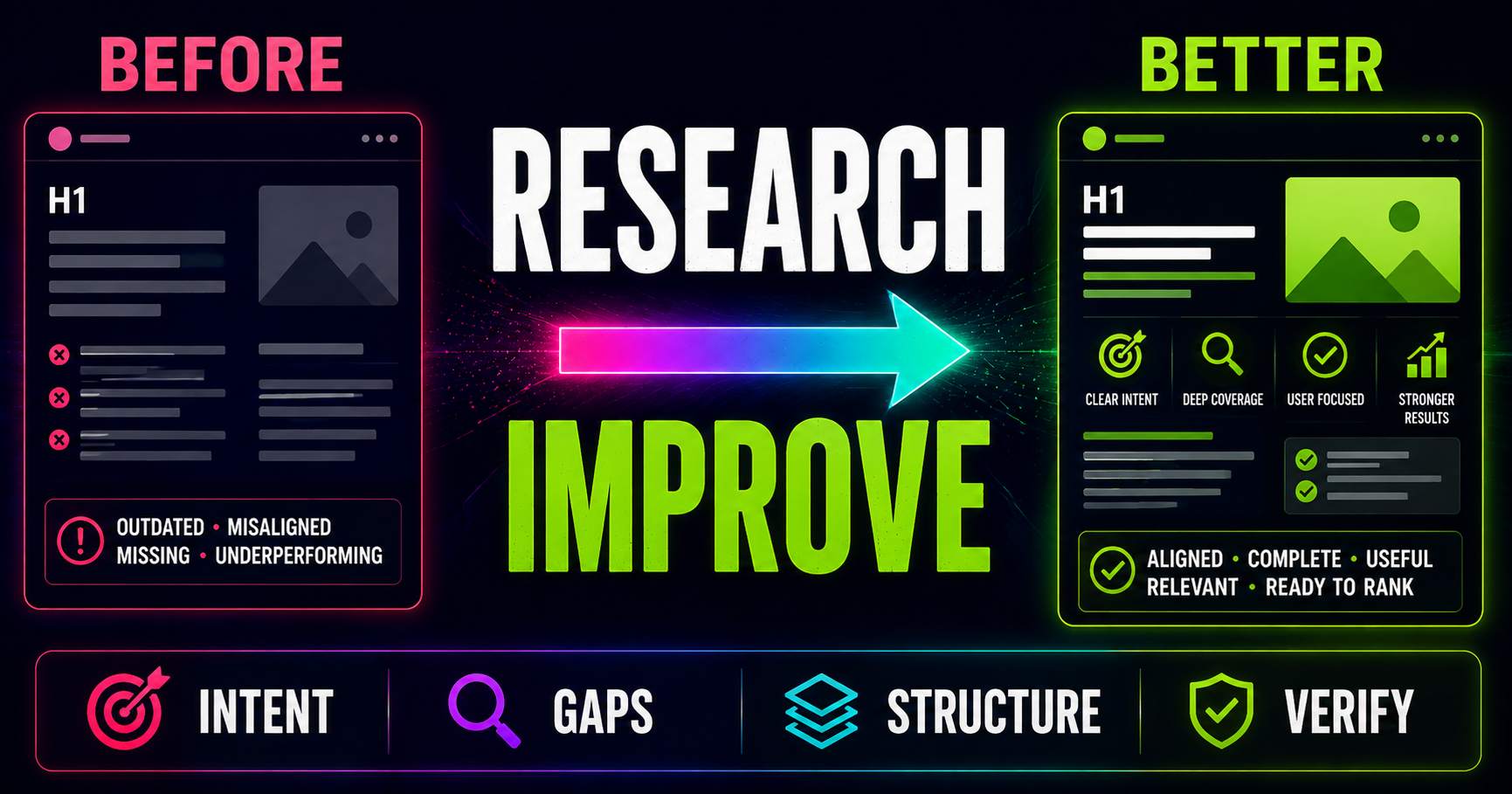
Keyword Research for Existing Pages: What Should You Improve?
Keyword research is not only for new content. Learn how to compare an existing page with current search intent, SERP patterns, related questions and content gaps to decide what actually needs improving.
Read guide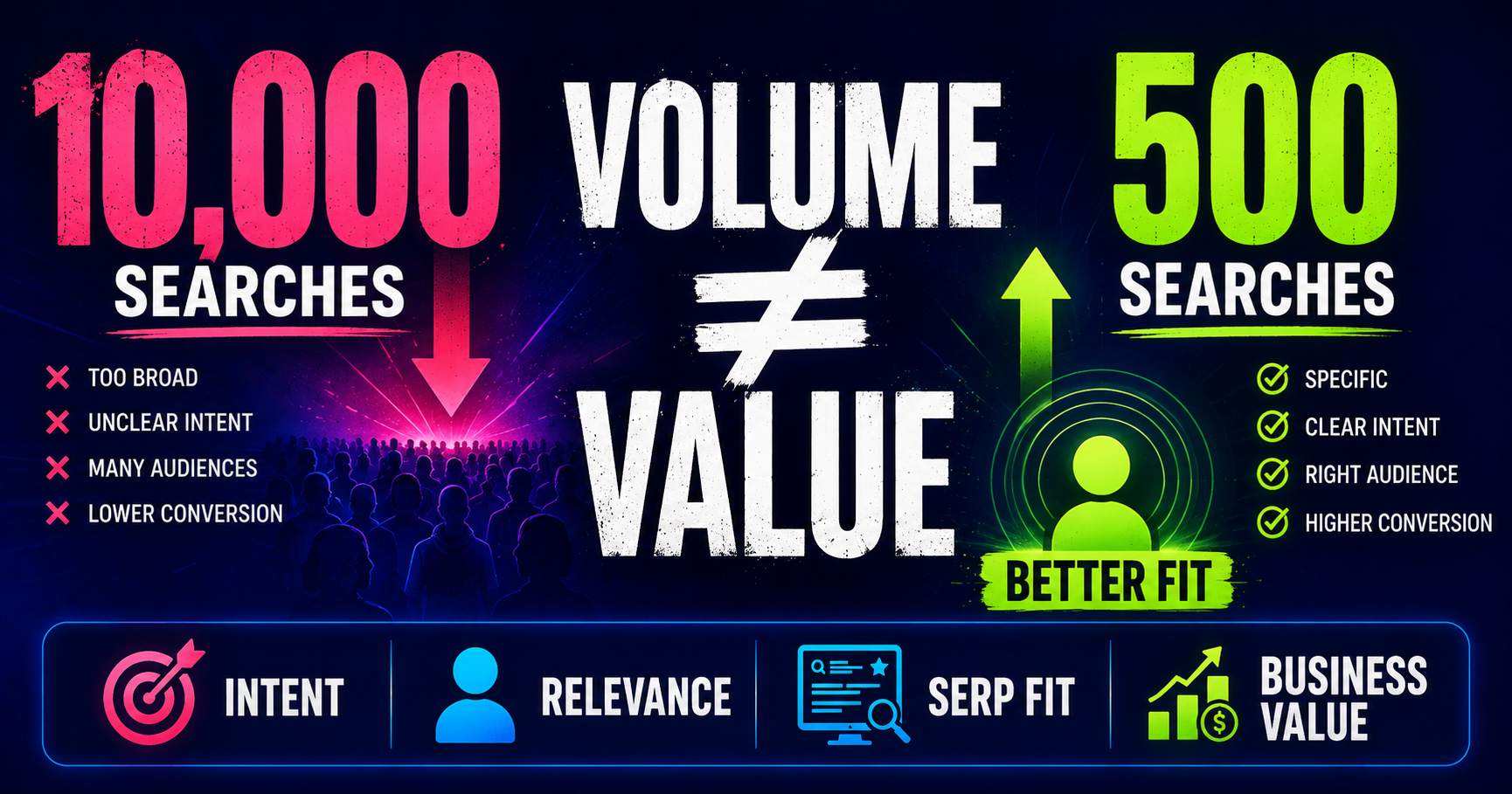
Search Volume Isn’t the Whole Story
Search volume can help you understand demand, but a bigger number does not automatically mean a better keyword. Learn how relevance, intent, specificity, SERP context and business value change the decision.
Read guide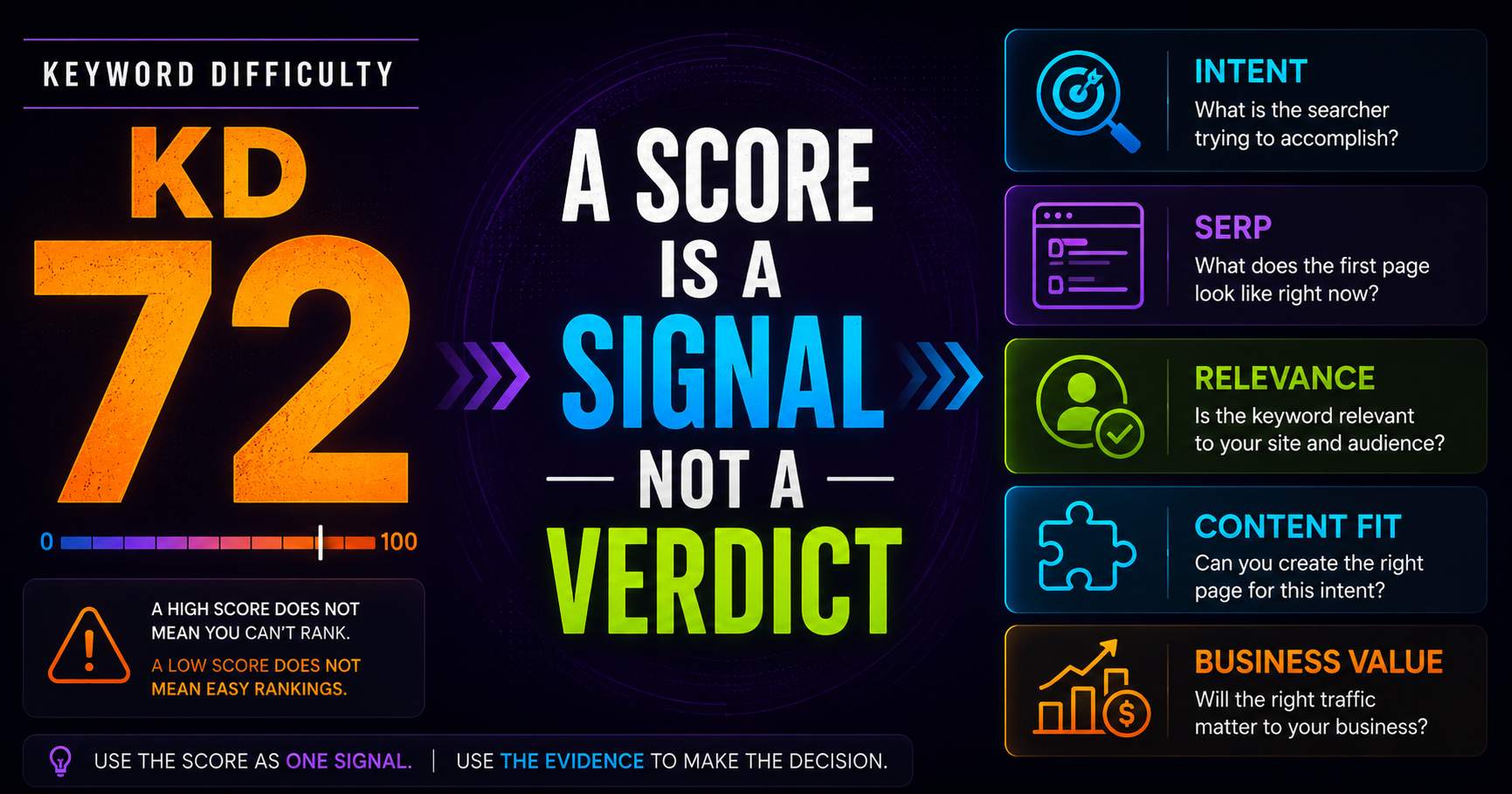
Keyword Difficulty: What the Number Does - and Doesn’t - Tell You
Keyword difficulty can be a useful comparison metric, but it is not a prediction of whether your page can rank. Learn what the score represents, what it leaves out, and how to use it alongside real SERP evidence.
Read guidePut this into practice
See what applies to your page.
Start with a one-page review, then run a full site audit when you are ready.